DocsExample scenesParticles and 3D
Example scene · Particles and 3D
Lantern Sea
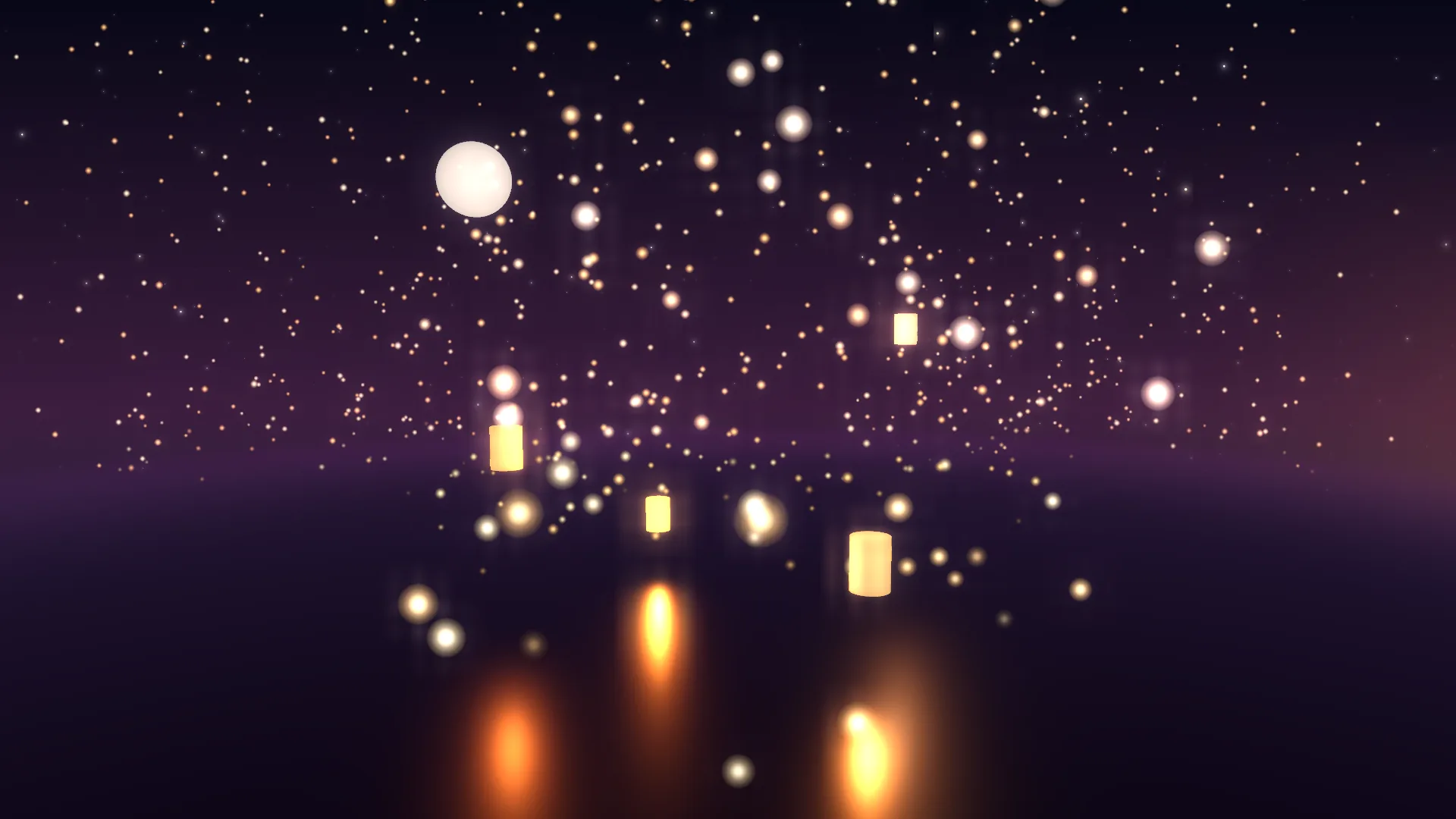
Paper lanterns rise from a still sea at dusk: a few close by, glowing over the water and throwing their light on it, and hundreds more drifting up into the indigo. It's slow and warm, made for the evening.
Main feature: 3D, its particles and lights. Also uses: Layers and folders (a gradient, stars and glow orbs behind the 3D), The pointer, clicks and time (the camera leans to the pointer).
What you'll learn
- How 3D particles in real depth make a sea seem to go on for miles: near ones large and slow, far ones small.
- How point lights that move with their lanterns throw long orange streaks on a sea that's nearly all Metal and fairly smooth.
- That glow doesn't light things; lights do. The lanterns glow, but it's the point lights that light the water.
How it's built
The layers, bottom to top: Dusk, Afterglow, Stars, Sea.
- Dusk, a Gradient, and Afterglow, Glow orbs, make the sky.
- Stars, a Stars layer, is masked to fade before the horizon.
- Sea is a 3D scene whose Background is Clear, so the gradient, the afterglow and the stars show through above the sea. Its ground, Water, is nearly all Metal and fairly smooth.
- The four lanterns nearest you are cylinders with Glow, and each has a point light just inside it with the same Bob and Bob every, so the light floats with it. Their light lands on the sea, and that's what draws the long orange streaks on the water. Flicker makes each one breathe like a flame.
- The rest of the lanterns are four particle items, Lanterns, Left lanterns, Right lanterns and Close lanterns, each the Embers kind with Colours of my own: a wide field in the middle, one each side far off, and a few big soft ones close to the camera. Their Gravity is below zero, so they rise.
- The Camera has a low Height, Goes round at a crawl, and Leans to the pointer. Under Light and air, Fog and its plum Fog colour fade the far lanterns into the dusk, and the Bloom card on Scene gives every lantern its halo.


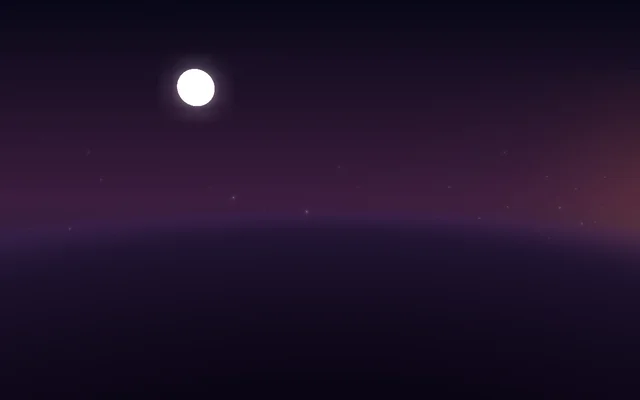
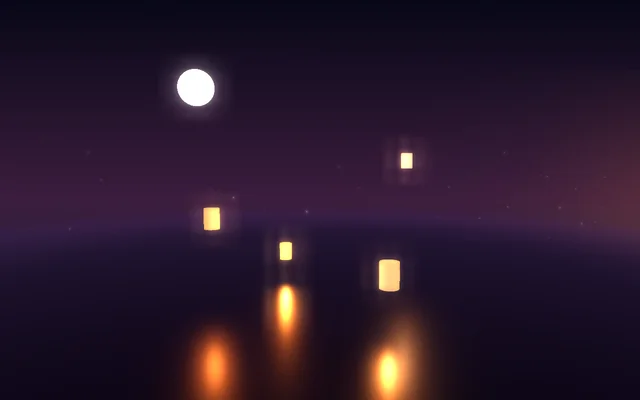
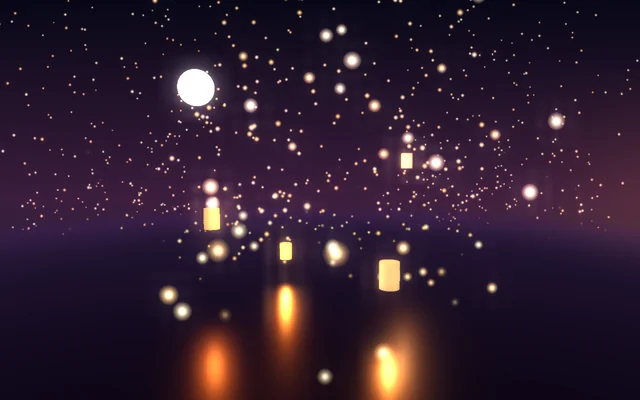
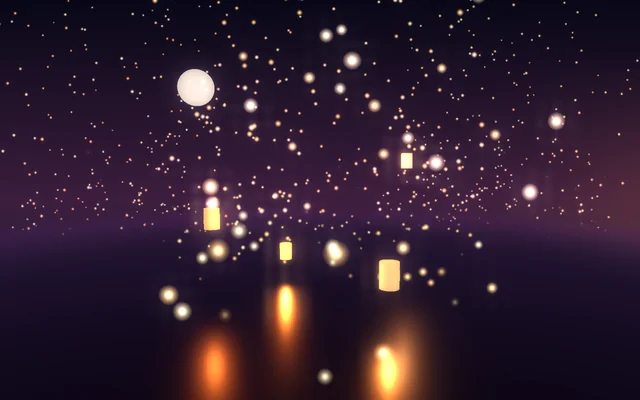
Nothing is a picture: the sky is a gradient and glow orbs, the stars are a Stars layer, and everything else, the moon too, is the 3D layer's own shapes, lights and particles. It's light to draw: there are no shadows, so it suits a laptop.
Look in Studio
Open it from Studio's start page, under Start from one of Motion's, and pick the Sea layer. Under Objects and lights, click each item: Water (its Metal and Roughness), the glowing Moon, the lanterns and their lights (Bob, Flicker, Reach), and the four particle items (Amount, Size, Area, Gravity, Wind).
Make it yours
- Change the four particle items' colours to pale blue and white and turn Gravity up: snow falling on a dark sea.
- Turn Moves to sound up on the near lights so the lanterns pulse with music.
- Lift the 3D scene's camera Height to look down on the lanterns from above.
Settings people can change
| Setting | What it does |
|---|---|
| Camera drifts round | How fast the view turns round the sea, in degrees a second |
| Leans to the pointer | How much the camera follows the pointer |
| Haze | The fog over the far water |
| Brightness | The 3D layer's exposure |
| Stars | How many stars are in the sky |
| Bloom | How much the bright parts bloom over everything |