ReferenceLayersLight and particles
Glow orbs
Large soft lights that wander and breathe.
- Kind
- Layer · Light and particles
- Script name
orbs- Cost to draw
- Moderate
- Blend
- Light costs no extra pass
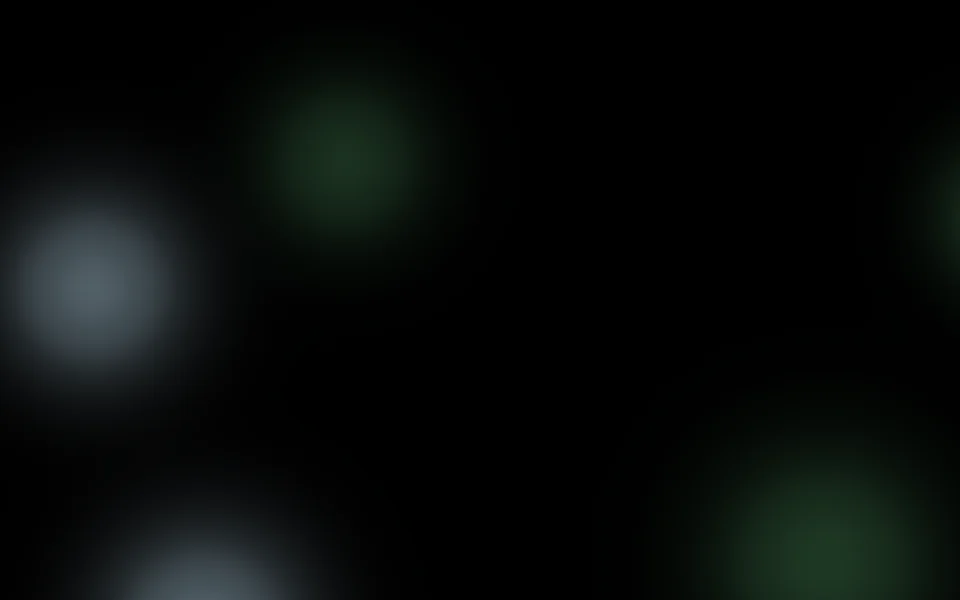
Orbs
| Setting | Kind | Starts at | Range and notes |
|---|---|---|---|
First colourcolour | colour | #7ce695 | – |
Second colourcolour2 | colour | #caecff | – |
How manycount | number | 5 | 1 to 12 |
Sizesize | number | 28% | 5% to 80% |
Softnesssoftness | number | 70% | 10% to 100% |
Brightnessbrightness | number | 60% | 0% to 200% |
Wanderwander | number | 0.5× | 0 to 2× |
From a script
Every setting above can be changed by the scene's logic, by its key. Say the layer is called Glow orbs:
scene.set("Glow orbs", "colour", "#ff8a5c");scene.animate("Glow orbs", "opacity", 0.5, 2);import { scene } from "motion";scene.set("Glow orbs", "colour", "#ff8a5c");scene.animate("Glow orbs", "opacity", 0.5, 2);◆On Scene Start
ƒSet Layer SettingTarget is Layer
TargetGlow orbs
Parameter Namecolour
Parameter Value
Used in
The example scenes with a Glow orbs layer in them. Each picture is the whole scene, not the layer alone: open one to see what the layer does in it.
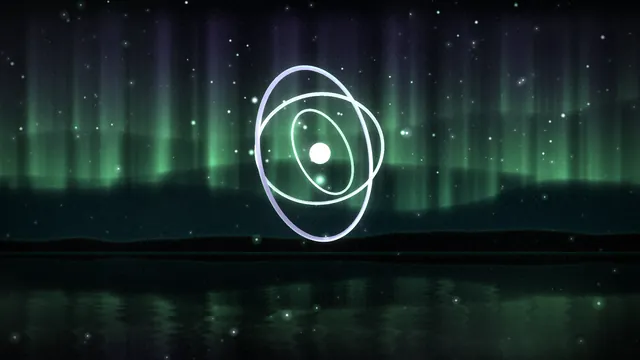 First LightIntermediate8 layers
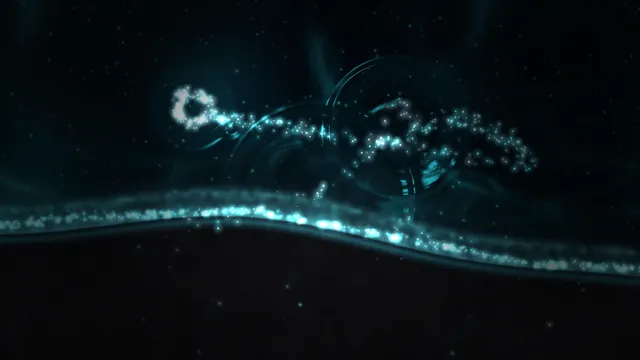 Glow TideIntermediate9 layers
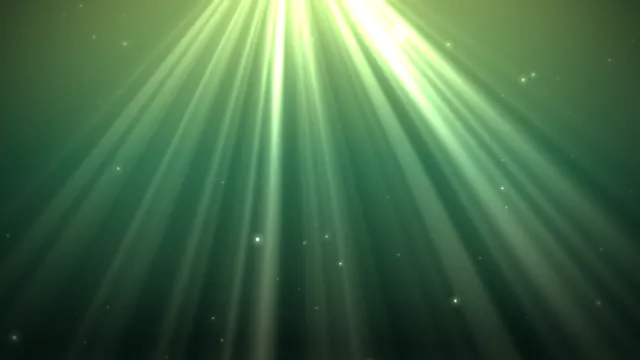 Kelp ForestIntermediate7 layers
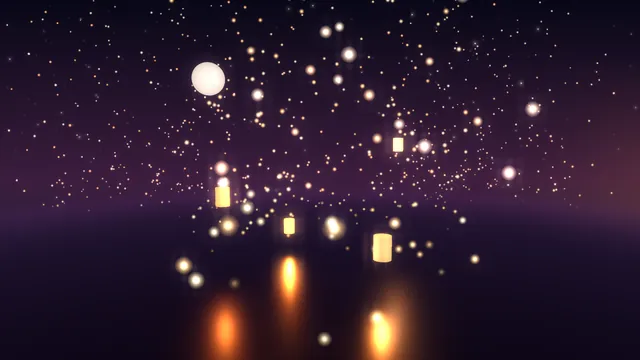 Lantern SeaBeginner4 layers
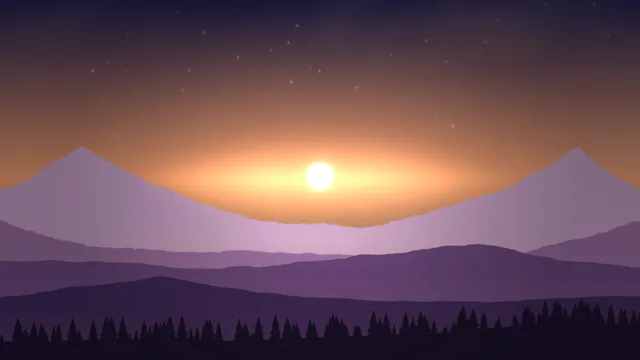 Long HorizonIntermediate12 layers
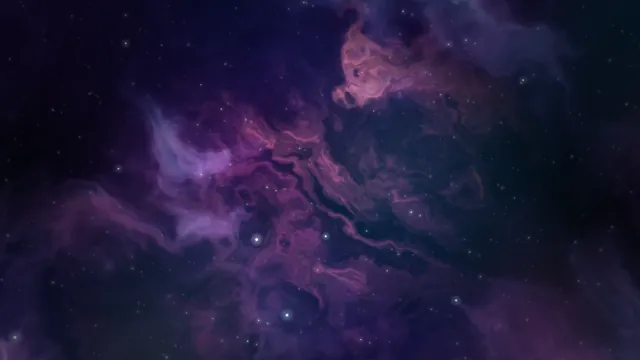 Nebula DriftBeginner8 layers
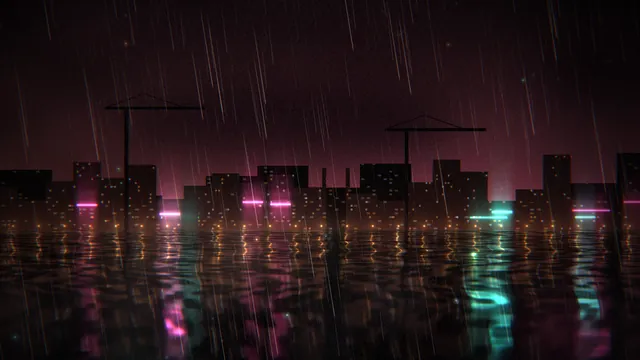 Rain HarbourAdvanced10 layers
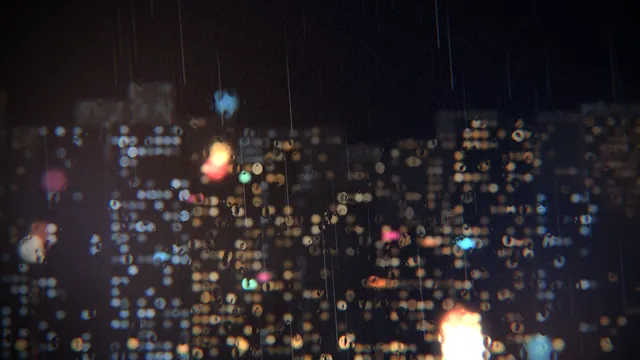 Rain on GlassIntermediate9 layers
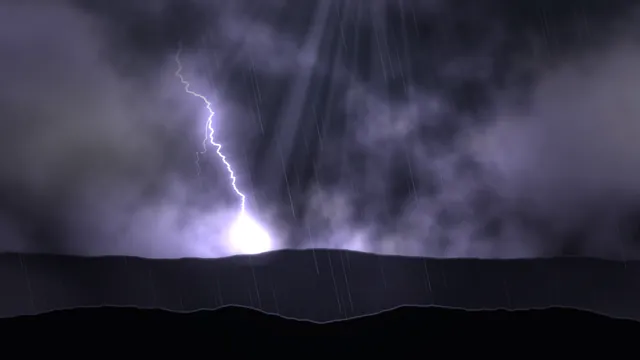 Storm FrontIntermediate11 layers
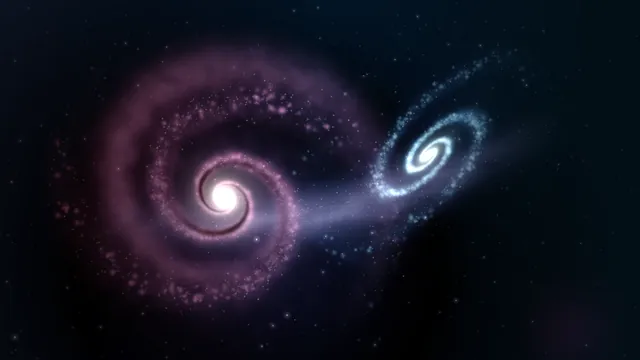 Two GalaxiesIntermediate10 layers
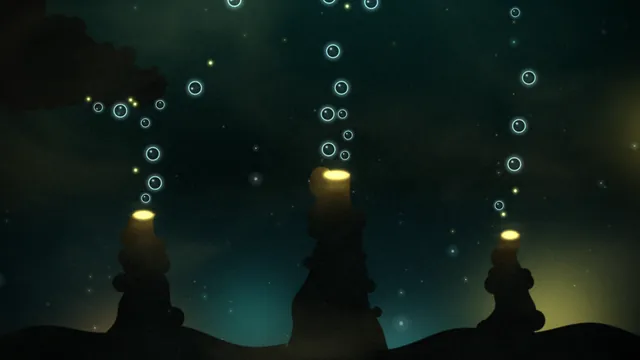 Vent GardenAdvanced13 layers
What every layer has
Besides its own settings, every layer has its opacity, blend, placement, quick effects and an effects stack. They're listed once, on the layers page.
Notes from the community
Written by creators and checked by the docs' editors. Not part of Motion's official reference.