DocsExample scenesColour and light
Example scene · Colour and light
Nebula Drift
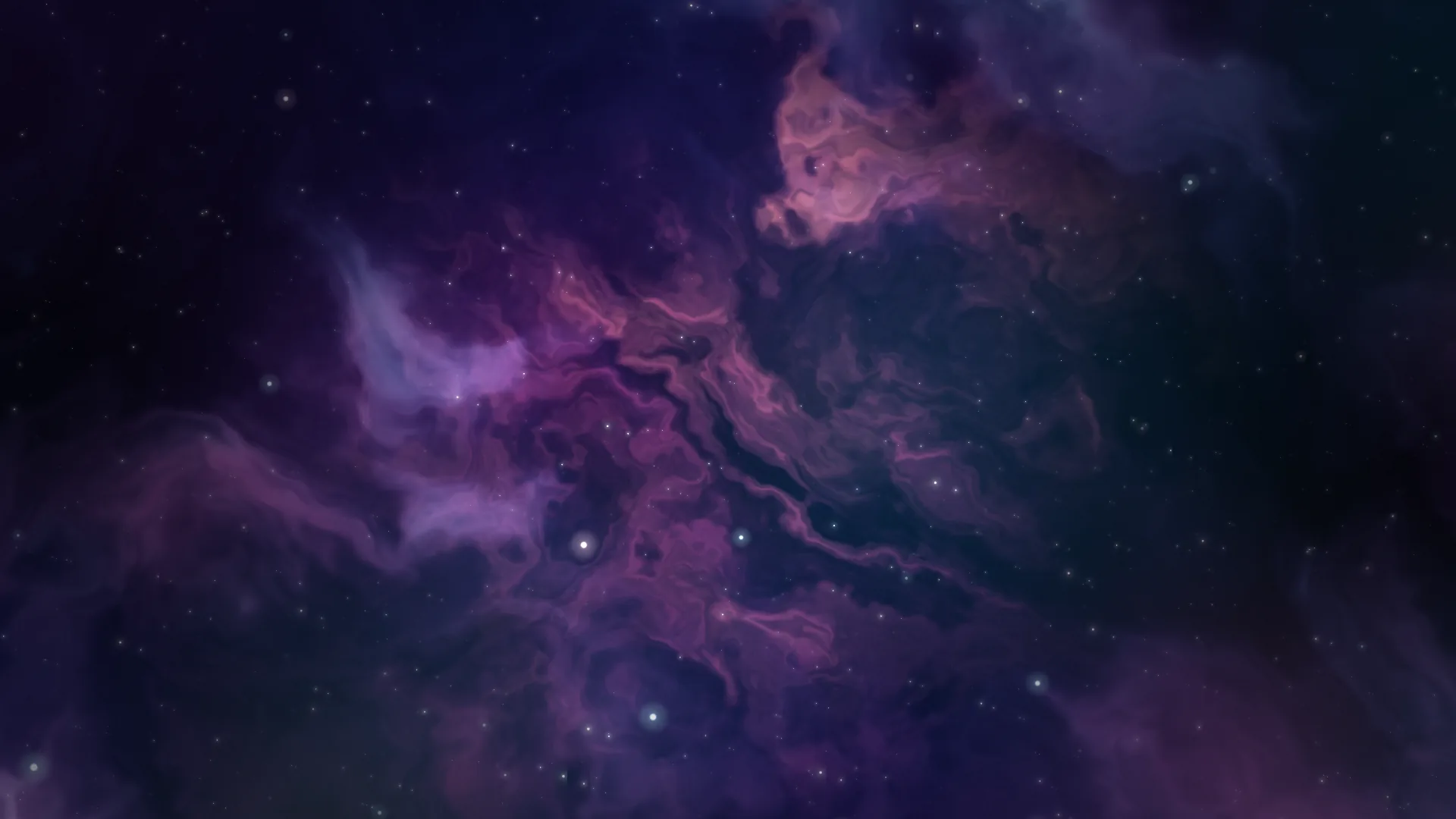
A slow nebula of indigo and teal folding round a warm magenta heart, with stars at three depths drifting past at their own pace. Dark and calm: one to leave on.
Main feature: Layers and folders: gradients, nebulae and stars. Also uses: The inspector (masks, blend and the scene's bloom), The pointer, clicks and time (depth that follows the pointer).
What you'll learn
- How much you get from a handful of plain layers stacked with care. There's no script, no picture and no shader of my own here.
- How a nebula set to Screen under Layer only ever lightens what's under it, so stars show through its thin parts.
- Where depth comes from: the far stars small and slow, the middle ones bigger and quicker, the dust nearest of all, each with its own Depth under Interaction, so as the pointer moves they slide by different amounts, the far stars a little the other way.
How it's built
The layers, bottom to top: Deep space, Far stars, Nebula, Warm heart, Glow, Middle stars, Near dust, Vignette.
- Deep space is a Mesh gradient: four columns by three rows of nearly black blues and violets, wandering slowly. It's what keeps the dark from looking flat.
- Far stars, Stars, go under the nebula so the clouds can hide some of them.
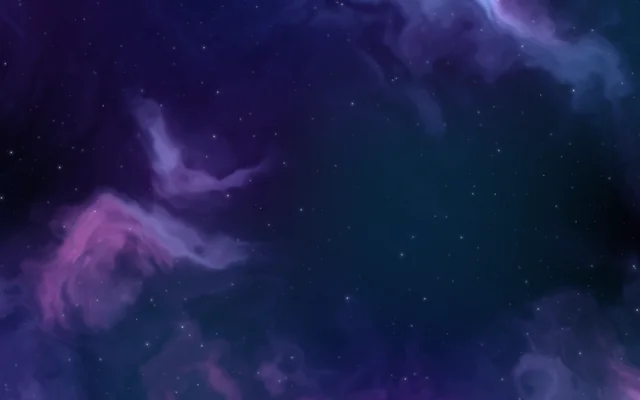
- Nebula, a Nebula, is set to Screen under Layer, so it only ever lightens what's under it: stars show through the thin parts.
- Warm heart is a second, smaller nebula in pinks and orange, blended as Light and kept to the middle by its Mask (round, with a soft edge).
- Glow, soft Glow orbs, then Middle stars over the nebula so they stay crisp, and Near dust, Motes, for the nearest dust.
- A Vignette on top. Pick Scene at the top of the list: Bloom spreads the bright parts, and Finish adds a touch of saturation and grain.
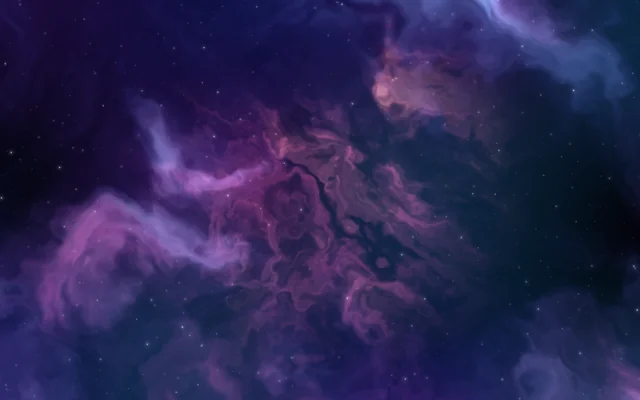
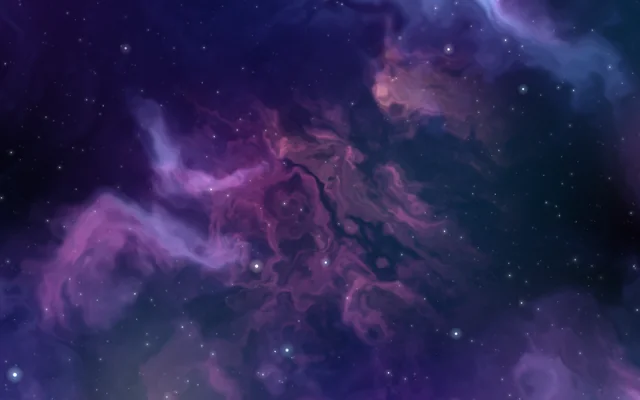
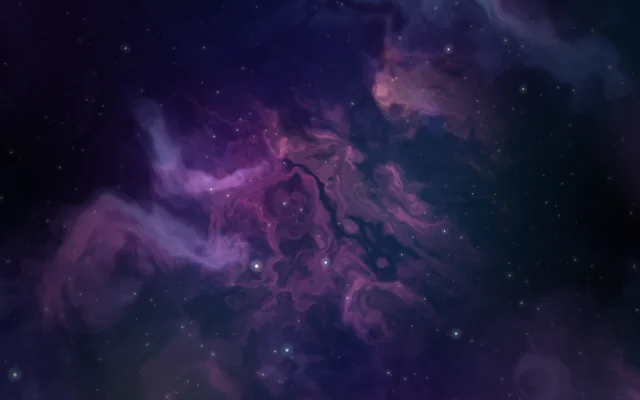
I keep the stars small. Big stars catch the glow, and the bigger they are the more the scene's bloom picks them out; small ones twinkle and stay out of the way.
It's light to draw, and fine on a laptop.
Look in Studio
Open it from Studio's start page, under Start from one of Motion's, and click through the layers from the bottom up. Compare the Size and Speed of Far stars, Middle stars and Near dust, then open Interaction and look at Depth.
Make it yours
- Turn Cloud speed right down and Speed on the Stars up for a journey rather than a drift.
- Change the Mesh gradient's Arrangement for a different spread of colour behind it all.
- Set the stars' Motion to Warp and raise their Speed to fly through the nebula.
- Swap the Warm heart's colours for greens and golds and the whole scene changes mood.
Settings people can change
| Setting | What it does |
|---|---|
| Heart of the nebula | The colour at the heart of the big nebula |
| Its edges | The nebula's teal edges |
| Cloud speed | How fast the clouds fold |
| Stars | How many far stars there are |
| Near dust | How much dust drifts close by |
| Glow | How bright the soft glow in the middle is |