DocsExample scenesLogic and interaction
Example scene · Logic and interaction
Storm Front
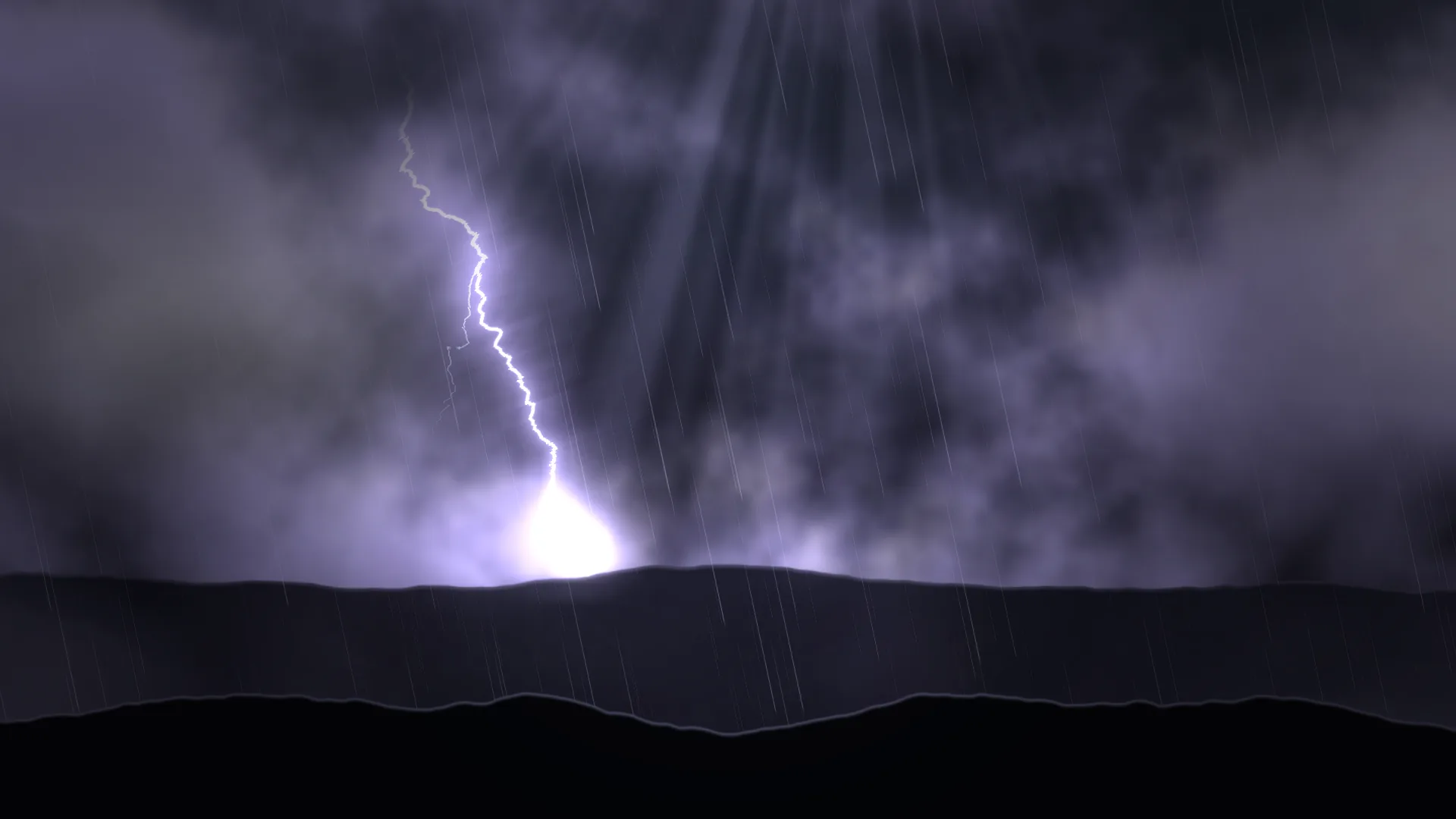
A storm rolling over a dark plain at night. Its clouds light violet-white from inside as the lightning strikes, the light dies away slowly through the haze, and a gust of driven rain sweeps across and thins out again. It's twelve seconds of weather, choreographed, playing round and round.
Main feature: Keyframes and the timeline: keys and easing on a looping timeline. Also uses: Layers and folders (clouds, lightning, rain, haze and pictures of the land), The pointer, clicks and time (the land shifts with the pointer).
What you'll learn
- How to choreograph weather on one looping timeline: every flash is three keys, a quick rise and a long fall back, so the whole storm is a list of moments.
- Why easing sells it: a flash on Straight looks mechanical; on Ease out it looks like light.
- Which settings to key: ones that change smoothly, such as brightness, colour and opacity. Settings that remake a layer, such as how many streaks of rain there are, jump from key to key instead.
How it's built
Everything that flashes is keyed, on one twelve-second timeline that loops.
- Night sky is a Gradient, and the Cloud bank over it is Fog and clouds.
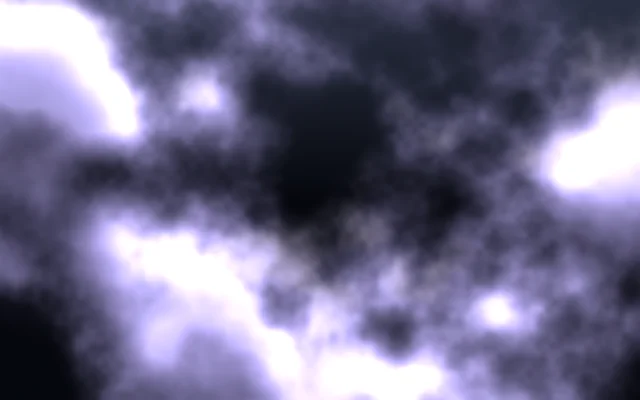
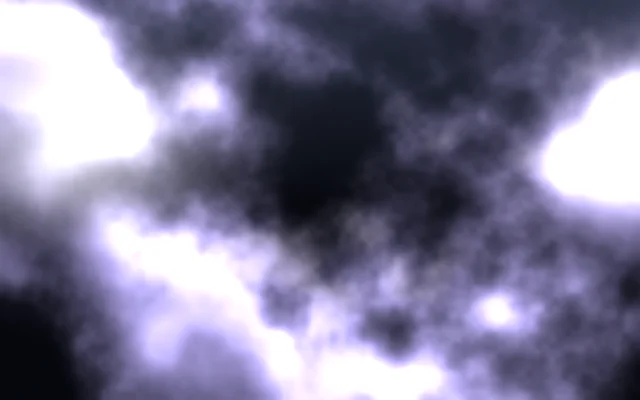
- Light in the clouds is Glow orbs on Screen, masked to the sky. They have a second, smaller flash a third of a second after the first, as real strikes do.
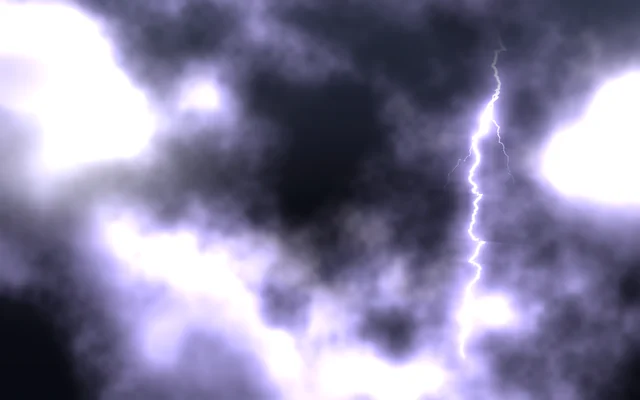
- Lightning is a Lightning layer. At 1.2 seconds and at 9 seconds its Brightness jumps up and falls away, and at the same moments the cloud bank, the lights inside it, the haze over the plain and the curtains of light under the storm all flare with it. At 5.4 seconds there's a softer flash with no bolt: lightning somewhere behind the clouds. Each flash is three keys: the brightness at rest, a key a tenth of a second later at the peak on Ease out (it shoots up and slows into the top), and a key one to two and a half seconds later back at rest, also on Ease out, so it drops fast and then glows away. The bolt's own keys are quicker: up in under a twentieth of a second, and down in half a second.
- Curtains of light, Light rays, drift across the plain and back on Ease. Then Far plain, a picture (Picture or video), and Haze over the plain, more fog.
- Rain is a Rain layer. Changing Rain's own settings draws its streaks afresh, so they jump instead of gliding, and the rain itself isn't keyed: the sweep is Rain veil, a veil of mist over it, which comes in on Ease in over two seconds, holds, and goes on Ease out.
- Near plain, the second picture, and a Vignette on top.
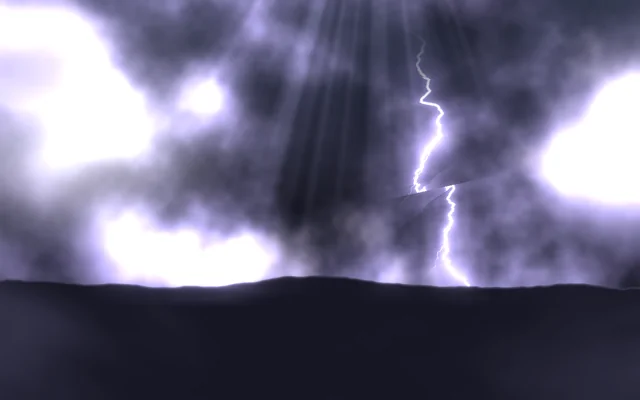
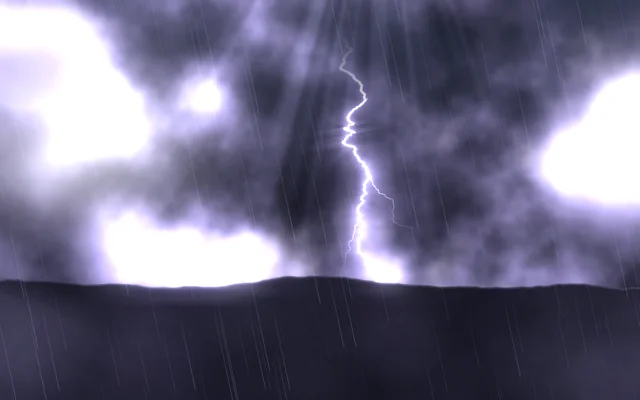
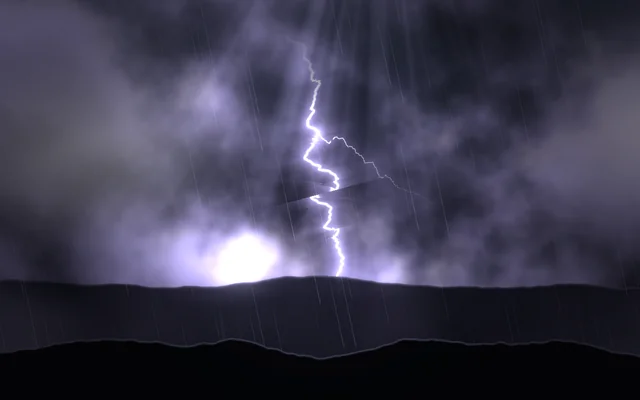
The two strips of land, land-far.png and land-near.png, are pictures with a clear sky, in the scene's Assets panel (Alt+3). Everything that moves is keyed on the scene's own Timeline.
Look in Studio
Open it from Studio's start page, under Start from one of Motion's.
- Open the Timeline under the preview. Each keyed setting is a row; the diamonds are its keys, and their marks show their curves (outlined diamonds for Ease in and Ease out). At the timeline's top, Length is twelve seconds and Loop is on.
- Pick Light in the clouds and look at Brightness: the diamond beside it is lit, because it's keyed. Click a key in the timeline to change its value or its curve.
- Pick Lightning: its Strikes a minute and positions are its own (each strike lands somewhere new), but its Brightness is held at 0 between the keys, so you only see the bolts the timeline lets through.
Make it yours
- Move a flash: drag its three keys along the timeline together. Add a strike by copying three keys of each flashing row to a new moment.
- Change a fall from Ease out to Straight and watch the difference.
- Make the timeline longer and spread the strikes out, for a storm that's further away.
- Change Storm light to a warm orange for a desert storm at dusk.
Settings people can change
| Setting | What it does |
|---|---|
| Storm light | The colour of the light inside the clouds |
| Rain | How much the rain shows |
| Haze | The haze over the plain |
| Clouds' pace | How fast the cloud bank rolls by |
| Bloom | How much the bright parts bloom over everything |