DocsExample scenesLogic and interaction
Example scene · Logic and interaction
Constellations
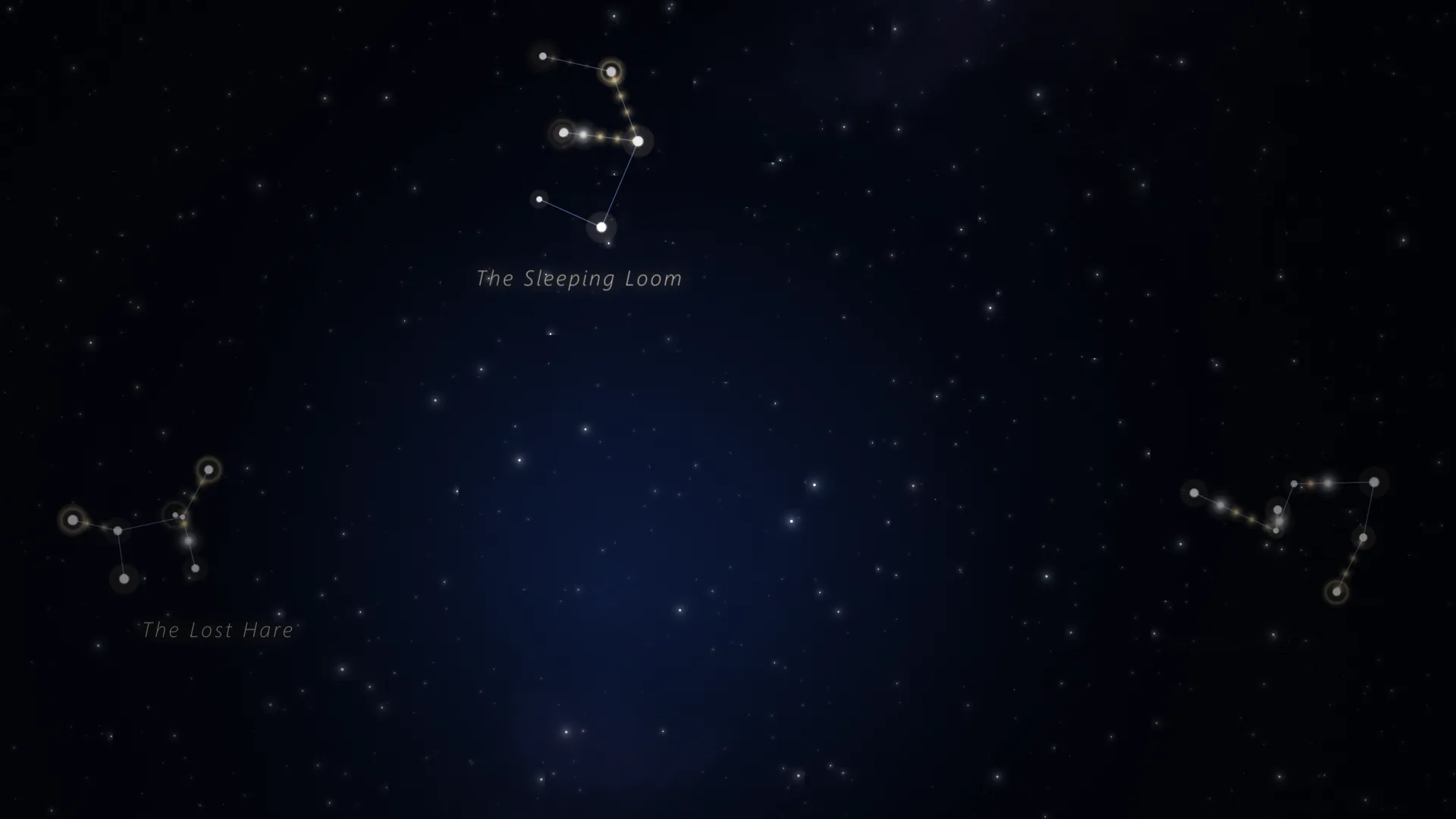
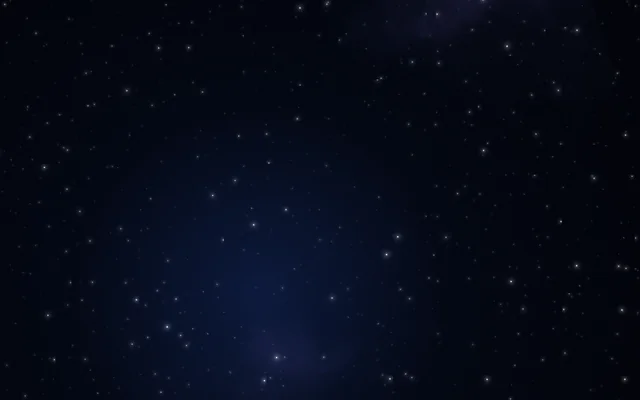
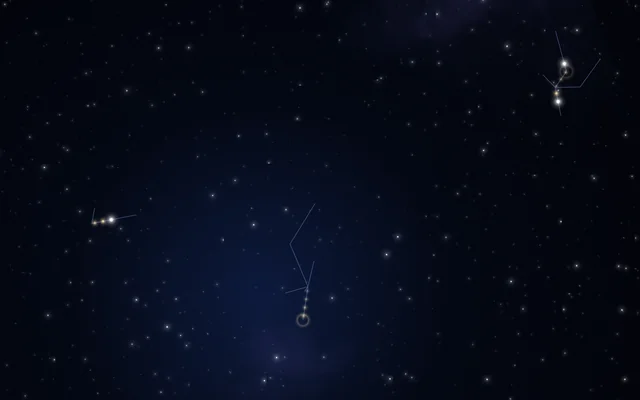
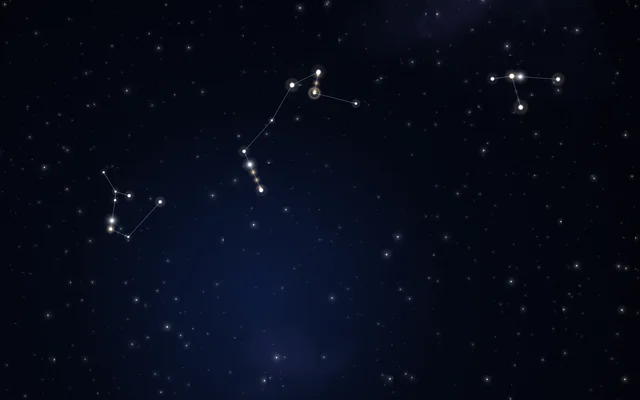
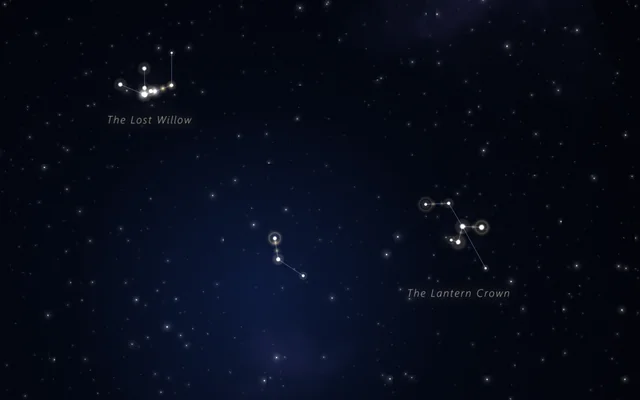
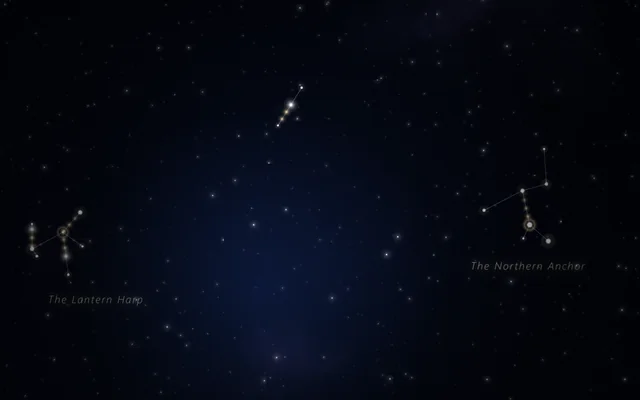
A deep blue night with the Milky Way faint across it. Click to place stars: each one joins the constellation you're drawing, a fine line links it to its nearest neighbour, and light runs along the lines. Finish one and it's given a name. Leave it alone and the sky draws its own.
Main feature: Logic as code. Also uses: Objects and templates, The pointer, clicks and time, Layers and folders.
What you'll learn
- How a TypeScript script keeps its own state and answers clicks: it remembers the constellation being drawn and links each new star to the nearest star already in it.
- How each click spawns a Star, an object made from a template of two layers: a point of light and a soft halo, both breathing a little on their own.
- How a script draws with ordinary layers: it hands every link to a Paths layer as its paths, and writes each constellation's name on a Text layer.
How it's built
The layers, bottom to top: Night, Milky way, Far stars, Lines, Star's halo, Star, Name 1 to Name 4, Your light, Vignette.
- Night is a round Gradient, Milky way a Nebula turned on its side, and Far stars a Stars layer drifting slowly.
- Lines is a Paths layer whose Lines start empty. The script fills them in with scene.set whenever a star is added or a constellation goes.
- Star's halo and Star, two Shapes, are the Star template's layers: hidden while the scene plays, copied for each star you place.
- Name 1 to Name 4 are plain Text layers with no words. After seven stars, or four seconds without a new one, the constellation is finished, and if it has at least three stars it's named ("The Silver Heron", "The Northern Loom"): the script fills one of them with scene.text and moves it under the constellation, where it fades in. Constellations fade after a minute and a half (A constellation lasts, offered as a setting), stars and name together.
- Your light, a Pointer light, follows the mouse and bursts when you click, and a Vignette goes on top.
The heart of the script is the click:
scene.on("click", (x: number, y: number) => {
    lastClickAt = scene.time;
    addStar(x, y);
});
and addStar, which spawns the star where you clicked (the scene's pixels: 1920 by 1080, from the top left) and links it:
const star = stage.spawn(Star, { location: [x * 1920, y * 1080, 0], scale: 0.6 + Math.random() * 0.9 });Timers do the rest: scene.every checks twice a second for a constellation to finish or forget, and every 1.6 seconds for the sky to draw a star of its own.
Look in Studio
It opens from Studio's start page, under Start from one of Motion's. To read the script, pick Scene at the top of the Outliner and click Open the editor on its Script card: the script opens as the script.ts tab in the row under the toolbar. addStar adds a star, finish names a constellation, forgetOld lets old ones go. Click the Scene tab, at the start of that row, to go back to the preview. In the Outliner, look for the Star template and its two layers. Then click Try it under the preview and click the sky.
Make it yours
- Change the names:
FIRST_WORDSandSECOND_WORDSat the top of the script are the words they're made of. - Change
MOST_STARSfor bigger or smaller constellations. - Give the lines another look: pick Lines, the Paths layer, and try the Comets style, or turn Ends to rings.
Settings people can change
| Setting | What it does |
|---|---|
| A constellation lasts (seconds) | How long a constellation stays before it fades |
| Light along the lines | The colour of the light that runs along the lines |
| Lines | The lines' own colour |
| Milky way | How much of the Milky Way shows |
| A light under the pointer | A soft light that follows the pointer |
| Bloom | How much the bright parts bloom over everything |