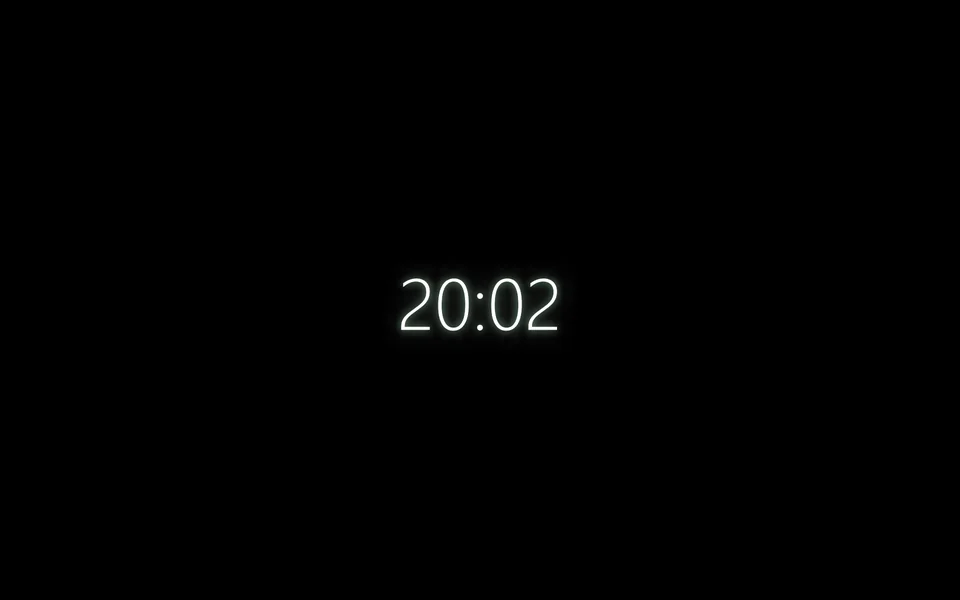
Text
| Setting | Kind | Starts at | Range and notes |
|---|---|---|---|
Texttext | words | {time} | {time} {date} {day} {hour} {minute} {second} {year} fill themselves in, and each of the scene's sensors by the name it's shared as, such as {pulse} |
Before a readingwaiting | words | none | Shown instead of the words while a sensor they name has no reading yet. Empty: a dash in its place |
Decimalsdecimals | whole number | 0 | 0 to 3How many a sensor's reading is shown with |
Fontfont | font | Outfit | – |
Sizesize | number | 12% | 1% to 40%Share of the screen's height |
Weightweight | choice | Light | Light, Regular, Bold |
Italicitalic | on or off | off | – |
Letter spacingspacing | number | 0em | -0.1 to 0.5em |
Colourcolour | colour | #f4f6f8 | – |
Glowglow | number | 35% | 0% to 100% |
Glow colourglowColour | colour | #7ce695 | – |
Line upalign | choice | Centre | Left, Centre, Right |
From a script
Every setting above can be changed by the scene's logic, by its key. Say the layer is called Text and clock:
scene.set("Text and clock", "size", 0.4);scene.animate("Text and clock", "opacity", 0.5, 2);import { scene } from "motion";scene.set("Text and clock", "size", 0.4);scene.animate("Text and clock", "opacity", 0.5, 2);◆On Scene Start
ƒSet Layer SettingTarget is Layer
TargetText and clock
Parameter Namesize
Parameter Value0.4
Used in
The example scenes with a Text and clock layer in them. Each picture is the whole scene, not the layer alone: open one to see what the layer does in it.
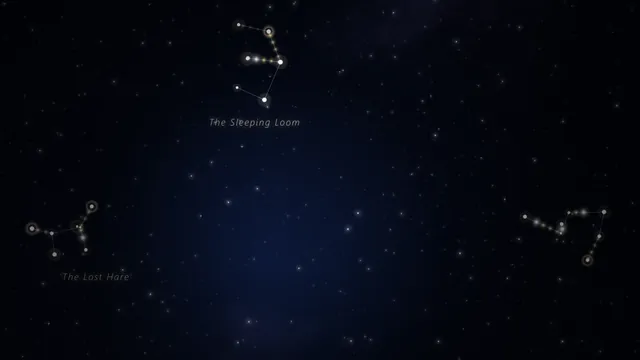 Constellations
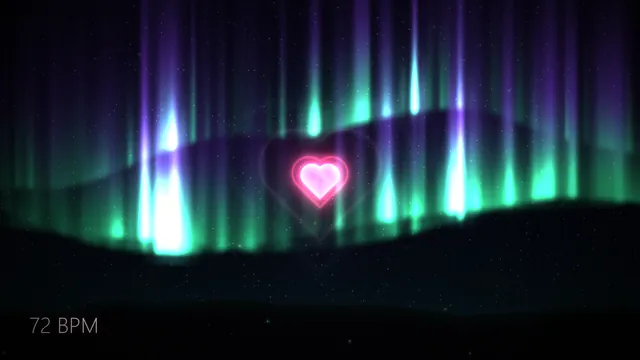 Pulse
What every layer has
Besides its own settings, every layer has its opacity, blend, placement, quick effects and an effects stack. They're listed once, on the layers page.
Notes from the community
Written by creators and checked by the docs' editors. Not part of Motion's official reference.