DocsExample scenesTime, sound and the world
Example scene · Time, sound and the world
Rain Harbour
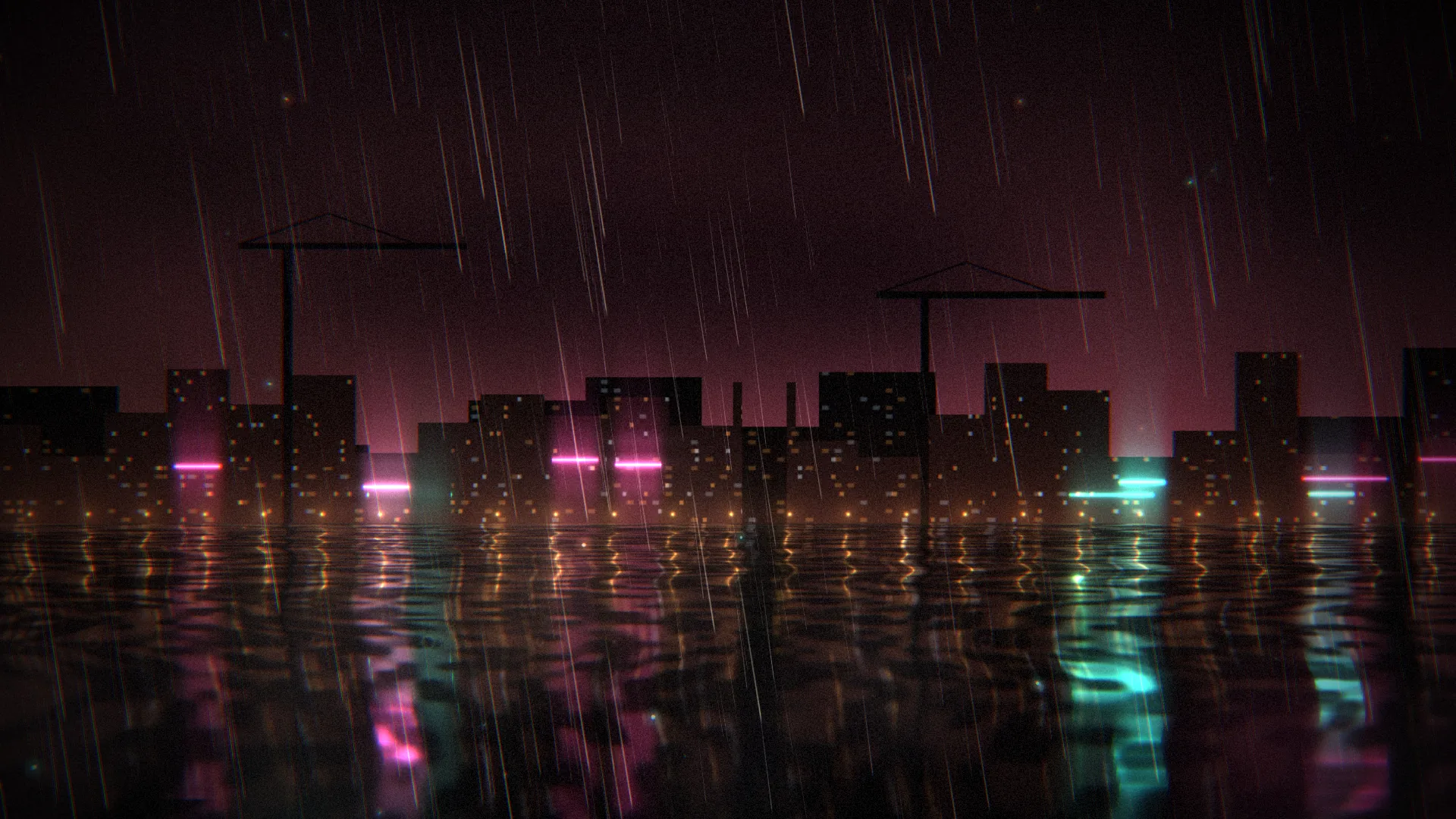
A harbour at night in the rain, seen from the water's edge: warehouses and cranes black against a sky lit from below, neon in magenta and teal, sodium lamps along the quay, and all of it drawn out in long broken streaks across the black water. It has its own sound: the rain, the water at the quay, a low chord, and a bell buoy out in the harbour.
Main feature: Sound: Sound layers on the mixer's buses, with ducking, and a script that plays a sound. Also uses: a Shader of my own (Materials), Layers and folders (rain at two depths, mist and spray), Effects and masks (an adjustment layer), The pointer, clicks and time (a click rings the bell).
What you'll learn
- How Sound layers play on the mixer's buses, each fading in over a few seconds when the wallpaper starts, so it never begins with a jolt.
- How ducking works: the Effects bus ducks the Music bus by 7 dB while the bell rings out, then lets it back up over two and a half seconds, so you hear the chord dip under the bell and return.
- How a script plays a sound of its own, and makes light answer it.
How it's built
The layers, bottom to top: Harbour, Mist, Far rain, Rain, Spray, Drops on the lens, Finish, then the Sound layers Rain, Water at the quay and Chord.
- Harbour is a Shader whose code draws the whole picture: two rows of blocks with lit windows, neon strips that stutter now and then, cranes with red lamps, quay lamps, and below the horizon the same town drawn again from a squashed, rippled mirror, broken by the chop and pocked by rings of rain.
- Mist, a Fog and clouds layer, then Far rain and Rain, Rain at two depths, Spray, Motes, and Drops on the lens, Glow orbs.
- Finish, an Adjustment layer, goes over everything.
- Rain and Water at the quay are Sound layers that play from the start, looping, on the Ambience bus; Chord plays on the Music bus. Each fades in over a few seconds.
- The mixer has four buses: Music is quieter and darker (a low-pass at 3 kHz) with a little reverb; Ambience is the rain and the water; Effects has a long reverb, the sound of the open harbour; Master has a ceiling of -1 dB so nothing clips. Effects ducks Music by 7 dB while the bell rings out.
- The bell isn't a layer: the script loads
bell.oggonto the Effects bus and plays it now and then by itself, and whenever you click, at a slightly different pitch each time, panned to where you clicked. Each time the bell rings, the script lifts the shader's Bell's light, so the buoy's green lamp brightens on the water, then fades.
The four sounds are in the scene's Assets panel (Alt+3): rain.ogg for Rain, lap.ogg for Water at the quay, pad.ogg for Chord, and bell.ogg, which the script plays. To use a sound of your own (WAV, Ogg, MP3, FLAC, Opus or M4A), drag it into Assets, pick the Sound layer and choose it under File. A sound that loops should end the way it starts, so you never hear the seam.
Look in Studio
Open it from Studio's start page, under Start from one of Motion's.
- Open the Mixer tab under the preview (Alt+8): the four buses, their volumes, reverb and low-pass, and the duck from Effects to Music.
- Pick Rain, Water at the quay or Chord in the layers: each Sound layer's Sound card has its File, Plays, Loop, Volume and Fade in, and the Mixer card its Bus. Water at the quay sits a little to the left (Left and right), as the quay is.
- For the script, pick Scene at the top of the Outliner and click Open the editor on its Script card: it opens as the
script.tstab, and it's a few lines.scene.loadSoundnames the bell and its bus,playrings it, andscene.on("click", …)rings it where you click. - Pick Harbour and click Open the editor in the inspector: its code opens as a tab named Harbour, in the row under the toolbar.
hb_towndraws the far side, and the water below the horizon draws it again, stretched and broken.
Make it yours
- Swap
bell.oggfor a sound of your own: drag it into Assets and changebell.oggto its name in the script (it's named twice). Keep the rest of the script: anything played on the Effects bus ducks the music. - Turn the Effects bus's duck on Music deeper (-12 dB) for a bell that hushes everything, or take it off to hear the difference.
- Give the bell's
playaratefrom a scale of notes, as a wind chime.
Settings people can change
| Setting | What it does |
|---|---|
| The bell rings by itself | Now and then, out in the harbour; a click always rings it |
| The rain | How loud the rain is |
| The music | How loud the chord is |
| How hard it rains | How many streaks of rain there are |
| Neon | The neon's colour: magenta, violet or red |
| Mist on the water | How much mist lies along the waterline |
| Bloom | How much the bright parts bloom over everything |