DocsExample scenesColour and light
Example scene · Colour and light
Molten
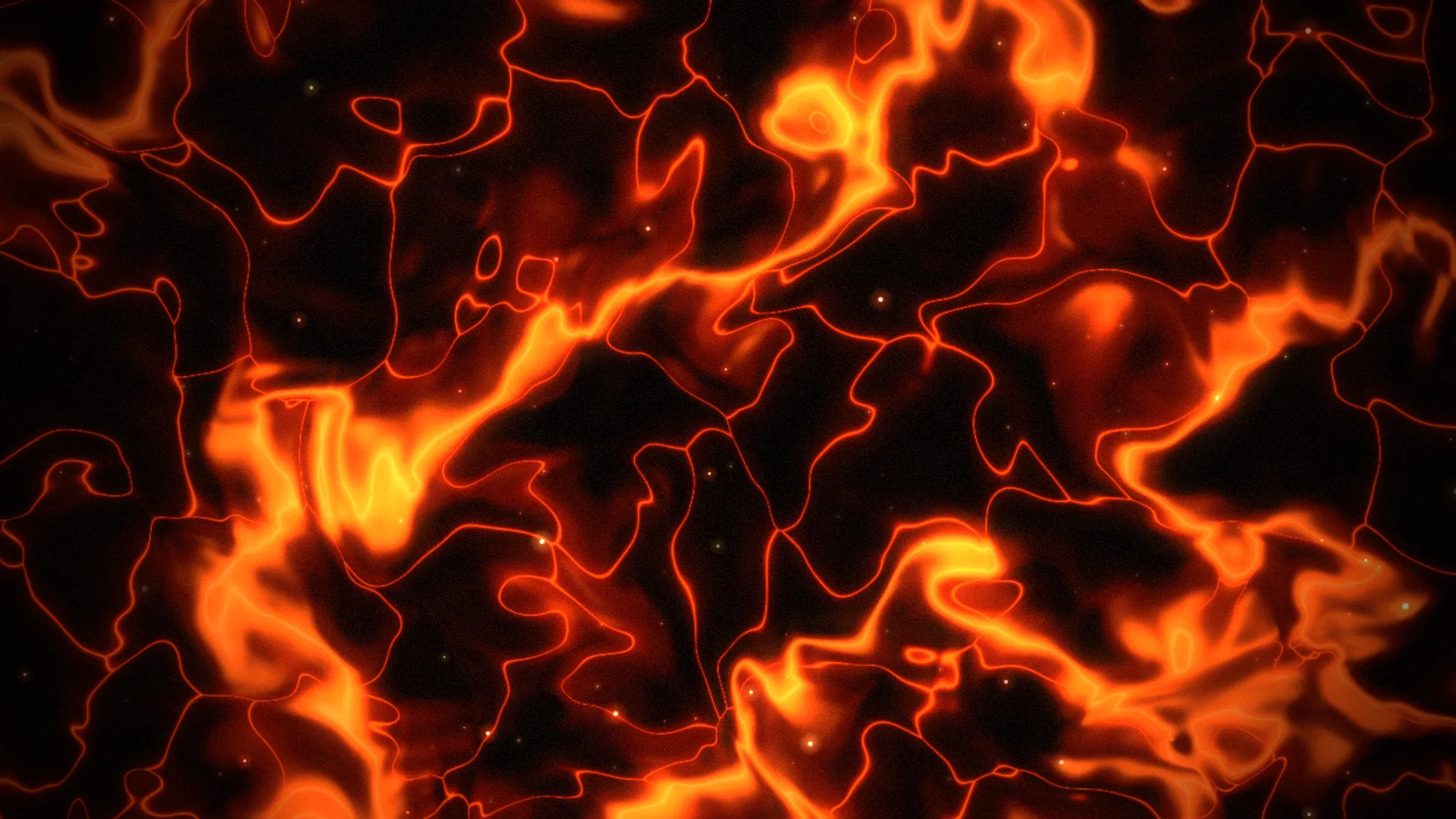
A field of lava seen from straight above: plates of crust drifting on it, the cracks between them glowing, slow rivers of brighter lava winding through and breathing hotter and cooler, with sparks rising off it.
Main feature: Materials: the whole field is one Shader layer built from nodes. Also uses: Effects and masks (a heat haze over the lava), The inspector (the scene's bloom).
What you'll learn
- How far a node graph goes. There's no code written by hand here: the lava is wired from Studio's material nodes.
- How the gap between a Voronoi node's two distances tells you how far a point is from a crack, and how to turn that into a thin hot core in a wider glow.
- How to turn heat into colour with a row of Lerp Colour nodes, each switched on by a Smoothstep of the heat.
How it's built
The whole graph is in the Lava layer, and each part sits in a comment box saying what it does.
- Lava is a Shader. It starts with where on the field: UV scaled and drifting slowly with Time, then warped by two Domain Warp nodes.
- The crust's plates in Lava are Voronoi F1 and F2. The gap between its two distances is how far a point is from a crack; Exponential turns that into a thin hot core in a wider glow.
- The rivers in Lava are Fractal Noise, bright where it's near its middle value.
- Heat to colour: three Lerp Colour nodes in a row, each switched on by a Smoothstep of the heat: crust to deep red, red to the lava's colour, then to yellow. Under Effects on the same layer, Water and haze set to Heat haze makes the air shimmer over it.
- Sparks are Motes, rising slowly over the lava, and Finish is an Adjustment layer on top. Pick Scene at the top: Bloom spreads the bright cracks and rivers.
Look in Studio
Open it from Studio's start page, under Start from one of Motion's. Pick the Lava layer and click Open the editor in the inspector: its graph opens as a tab named Lava, in the row under the toolbar. The three settings, Lava, Brightness and Flow, are in the My graph column under Parameters, and in the layer's settings. Turn on Previews at the top of the graph to see each step: the warp, the plates, the rivers, the heat. Each box hands what it works out to the next as a variable (place, cracks, rivers, heat, under Variables in the same column): a Set node at the end of one box, a Get node where another box reads it.
Settings people can change
| Setting | What it does |
|---|---|
| Lava | Orange, red or gold |
| Brightness | How hot the lava looks |
| How fast it flows | The flow's speed, from still to churning |
| Sparks | How many sparks rise off it |
| Bloom | How far the bright parts spread |