DocsExample scenesTime, sound and the world
Example scene · Time, sound and the world
Snowfall
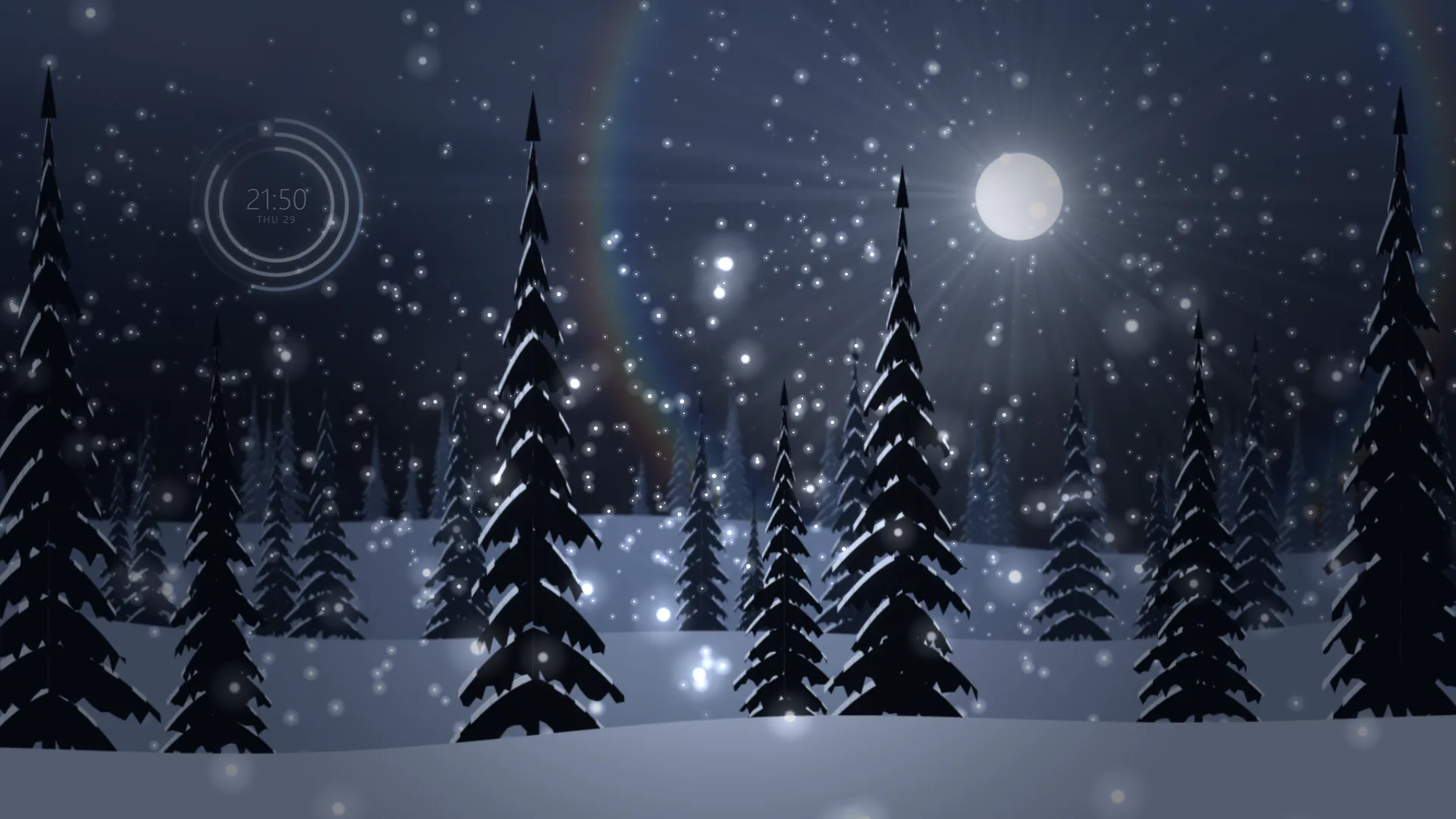
Snow falling through moonlight onto a wood of pines, with a faint halo round the moon. High in the open sky, the hour, the minute and the date are kept in three thin rings of frost, quiet enough to forget until you want them.
Main feature: the clock and date, with a Clock face layer (The time of day). Also uses: Particle systems (snow at three depths), Layers and folders (pictures of the pines, mist and moonlight), The pointer, clicks and time (depth as the pointer moves).
What you'll learn
- How to set the time into the sky: a Clock face in its Rings style, with frost and ice colours, a low glow and a clear face, so it sits in the night rather than on it.
- How to show the date and another place's time, with Show the date and Hours ahead offered as a setting.
- How to give snow depth with three Particle systems: far, main and near, each drifting on a slow breeze and curl noise.
How it's built
The layers, bottom to top: Night sky, Stars, Moon's halo, Moonbeams, Moon, Time, Far pines, Far snow, Mist, Middle pines, Snow, Near pines, Near flakes, Vignette.
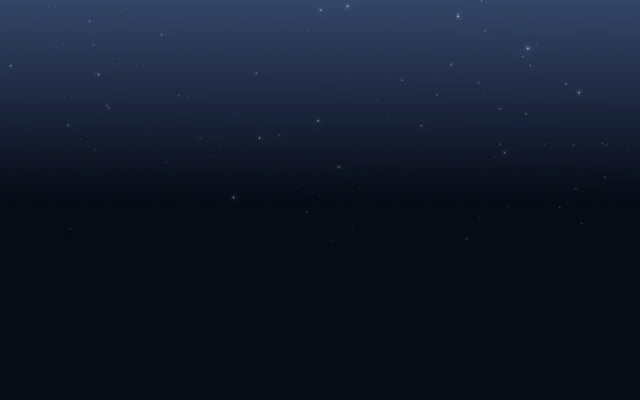
- Night sky is a Gradient, with Stars, Stars, masked to its top.
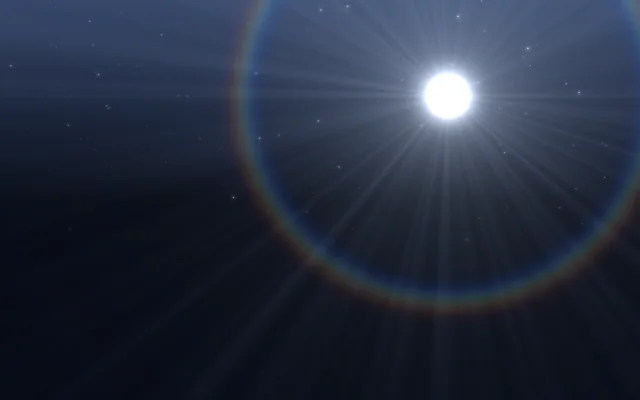
- The moonlight: Moon's halo is a Lens flare at the moon, faint Moonbeams, Light rays, fall from it through the snow, and the Moon itself is a Shape.
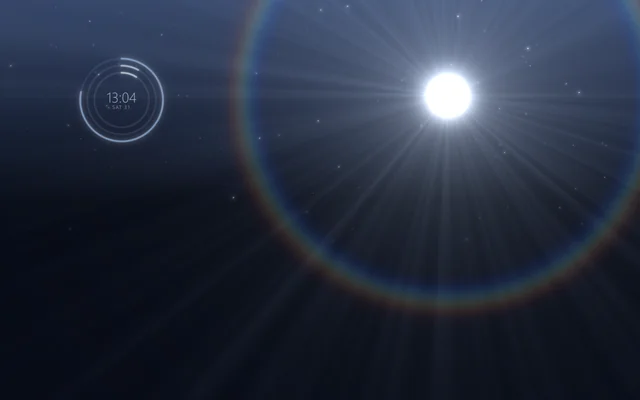
- Time is a Clock face in its Rings style: three rings filling with the hours, the minutes and the seconds, the time in fine type inside them and the day and date under it. Show the date puts the weekday and the day under the time; Hours ahead shows the time somewhere else, offered as a setting called Hours from here.
- Far pines, a picture (Picture or video) with a clear sky, then Far snow, a Particle system of fine far snow behind the middle pines, then Mist, Fog and clouds, and Middle pines.
- Snow is the main snowfall, then Near pines, and Near flakes, a few big soft flakes close to you. Each snow layer drifts on a slow breeze and curl noise.
- A Vignette on top.
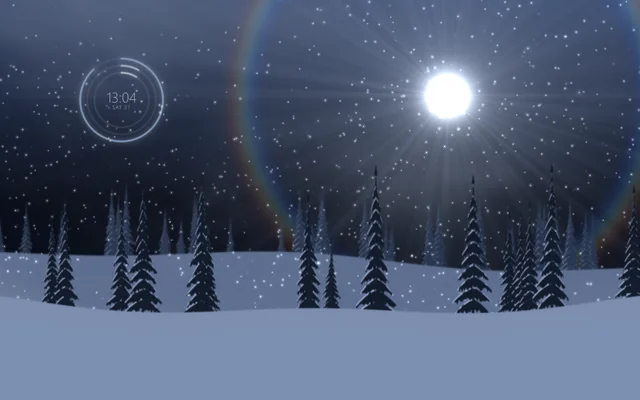
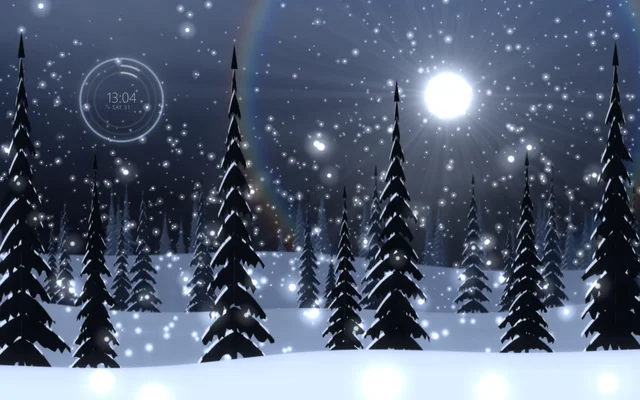
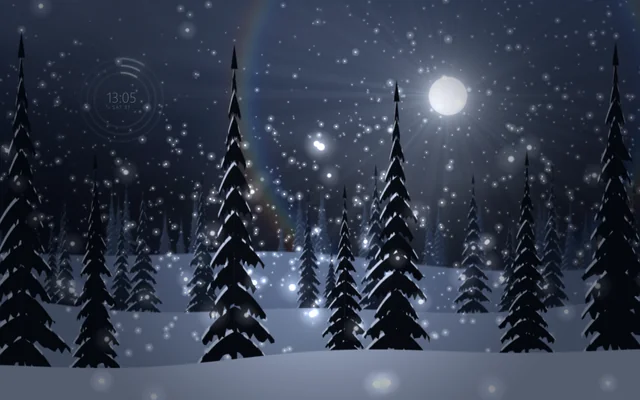
The three ranks of pines, pines-far.png, pines-mid.png and pines-near.png, are pictures with a clear sky, in the scene's Assets panel (Alt+3). To use a treeline of your own, drag it into Assets, pick a pines layer and choose it under File. Keep its sky transparent, so the moon and the snow behind show through.
Look in Studio
Open it from Studio's start page, under Start from one of Motion's.
- Pick Time. Show the date, Second hand and Sweeping seconds are switches, and Hours ahead moves it to another time zone.
- Pick Snow and click Particles tab in its settings (the particle editor opens as a tab under the toolbar): flakes born all over the screen, falling slowly, pushed by a gusting wind.
- Pick the three pine pictures: each has a different Depth (under Interaction), so they part as the pointer moves.
Make it yours
- Put the time round the moon: set the Time layer's Left and right and Up and down to the moon's place and its Size a little bigger than the moon.
- Switch the Clock face's Style to Classic with Numbers at None for a pale clock face in the sky.
- Turn Snow's pace down and add more far snow, on the Particle system, for a still, heavy night.
Settings people can change
| Setting | What it does |
|---|---|
| The time | How strongly the rings and the time show |
| Show the date | The day and date under the time |
| Seconds ring | The ring of seconds |
| Hours from here | Another place's time |
| Mist | The mist among the pines |
| Snow's pace | How fast the snow falls |
| Bloom | How much the bright parts bloom over everything |