DocsExample scenesTime, sound and the world
Example scene · Time, sound and the world
Resonance
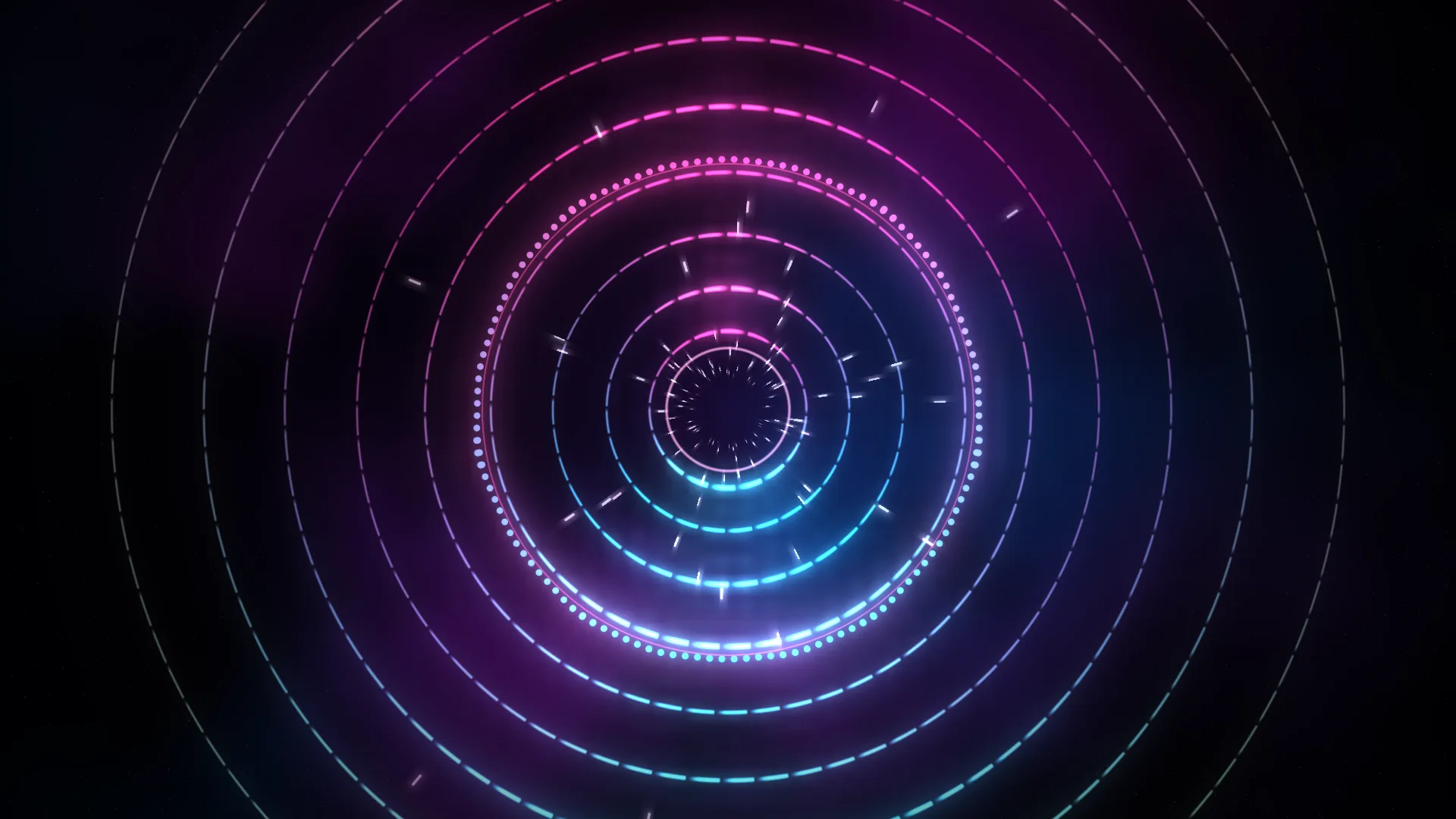
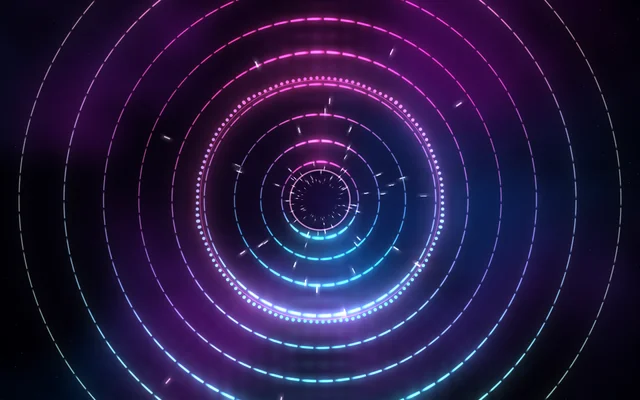
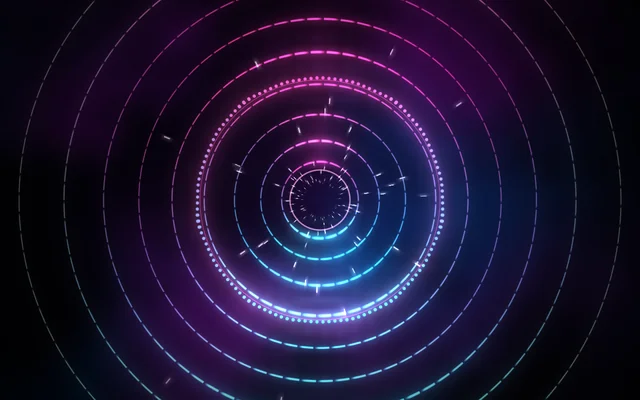
Rings of broken light round a dark core, in rose and ice. Play some music and they light up with it: every angle its own part of the spectrum, the bass pushing the rings outwards, a burst of light on every beat and stars rushing past with the low end. With nothing playing they breathe slowly on their own.
Main feature: Sound reactivity. Also uses: Logic as code, Materials, Keyframes and the timeline.
What you'll learn
- How a shader built from nodes reads the sound itself: the spectrum at each angle, the bass and the beat's pulse.
- How a setting follows the sound: a setting with ∿ beside it, set to follow The sound, part Bass.
- How a script moves to the music, sending a ring of light out from the core on every beat.
How it's built
The layers, bottom to top: Rings, Stars, Spectrum ring, Beat burst, Vignette.
- Rings is a Shader built from nodes: nine circles in a loop, each cut into segments that turn, alternate rings the other way. Behind them, slow clouds of colour turn the other way and brighten with the bass.
- The graph in Rings reads the sound: an Spectrum node for the spectrum at each angle (the low notes at the top, the high ones at the bottom), Sound Levels for the bass and Beat for the beat's pulse. A segment's length and brightness come from its part of the spectrum, and its glow spills round it in proportion. The level tells it whether anything is playing, and with nothing it fades over to a slow breath that runs round the rings instead.
- Stars, a Stars layer, rush faster with the bass, and Spectrum ring, a Sound visualizer, swells with it: each is a setting with ∿ beside it, set to follow The sound, part Bass. The visualizer's own When it's quiet is Breathe, so it never lies dead.
- Beat burst is a Shape ring with Blend set to Light. On every beat, scene.on with
"beat"sets it small and bright, then scene.animate grows it and fades it out, a wider one on the first beat of each bar of four. Every eight bars the visualizer moves on to the next pair of colours. - A Vignette on top. The scene's Bloom (pick Scene at the top of the Outliner) is high and its threshold low, so the bright segments glow.
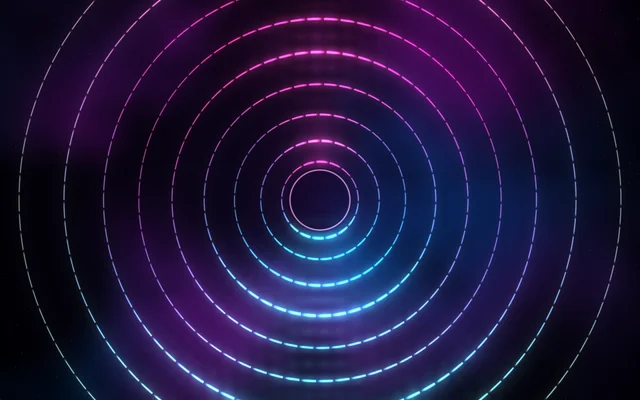
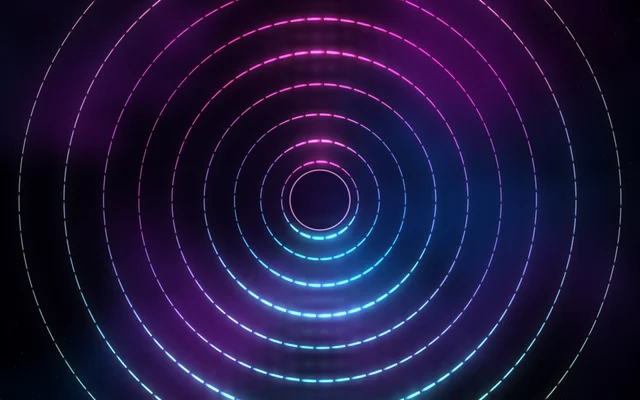
[Picture: Resonance up to step 2, showing Rings]
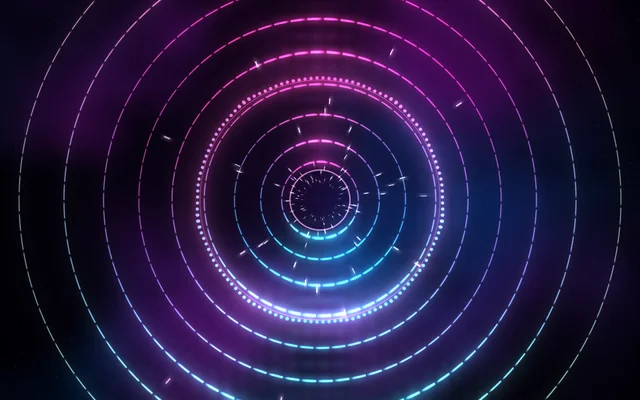
[Picture: Resonance up to step 4, showing Rings, Stars, Spectrum ring and Beat burst]
Look in Studio
Open it from Studio's start page, under Start from one of Motion's.
- Click Stars, then the ∿ beside Speed: it follows The sound, Bass, with Loud gives 2.6 and Answers set to Quickly. The layer's Driven by tab lists it.
- Click Spectrum ring: the same on its Size, under Placement, and When it's quiet under Visualizer.
- For the beat script, pick Scene at the top of the Outliner and click Open the editor on its Script card: it opens as the
script.tstab. For the graph, pick Rings and click Open the editor in the inspector: it opens as a tab named Rings, with one comment box for each of the nine rings.
Make it yours
- Count beats differently:
count % 8 === 0makes the wider burst come every two bars instead of every bar. - Make the spectrum ring the only one: turn the Rings layer's Opacity down (the shader has no settings of its own), and the Sound visualizer's Ring size larger.
- Use Get Beat Info and On Beat to do the same in a visual script.
Settings people can change
| Setting | What it does |
|---|---|
| Colours | Rose and ice, amber and coral, or violet and mint for the spectrum ring |
| Sensitivity | How high the spectrum ring's bars jump |
| Stars rushing past | How much of the starfield shows |
| A burst on each beat | The ring of light on each beat, or none |
| Bloom | How much the bright parts bloom over everything |