DocsExample scenesTime, sound and the world
Example scene · Time, sound and the world
Valley Hours
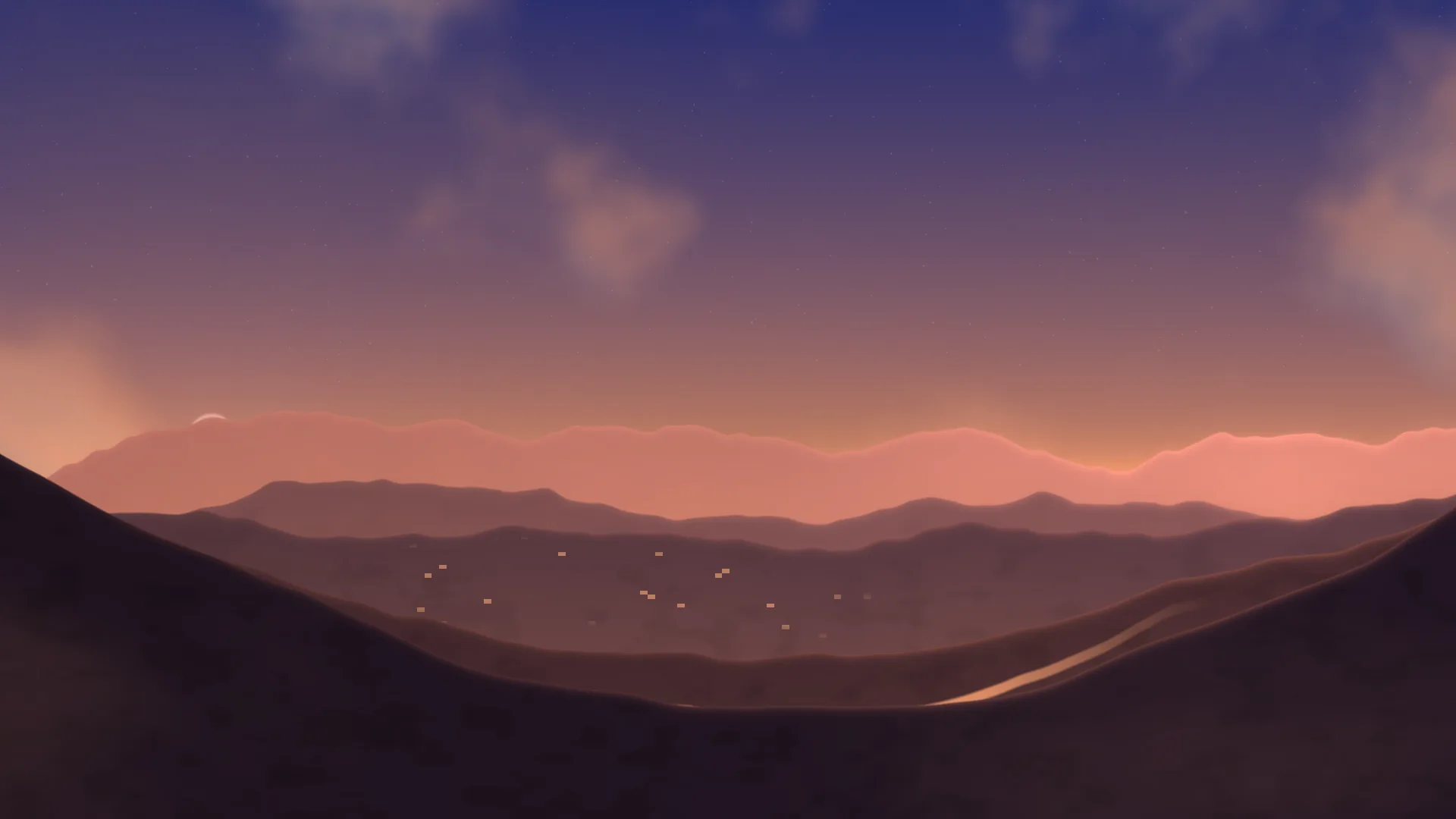
A valley of hills, ridge behind ridge, that keeps the hours with you: rose and lilac at dawn, green and blue by day, ember and plum at dusk, and deep blue at night with stars, the moon, the village's windows lit and fireflies over the near slopes.
Main feature: The time of day. Also uses: Logic as code, Materials, Layers and folders, The inspector.
What you'll learn
- How a scene changes with the hour on your clock, two ways at once: a shader that reads the time itself, and a script that moves the layers that don't know the time.
- How one shader drawn twice, with a part setting, lets other layers sit between its sky and its hills.
- How a Time of day setting can hold the scene at one hour.
How it's built
The layers, bottom to top: Sky, Clouds, Hills, Mist, Fireflies.
- Sky is a Shader that reads the time itself: its code is given the seconds since midnight (
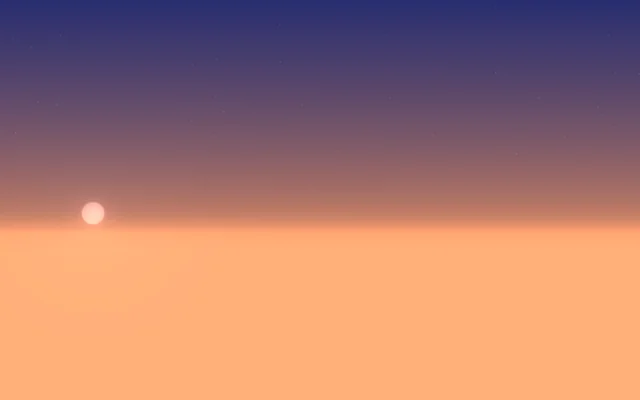
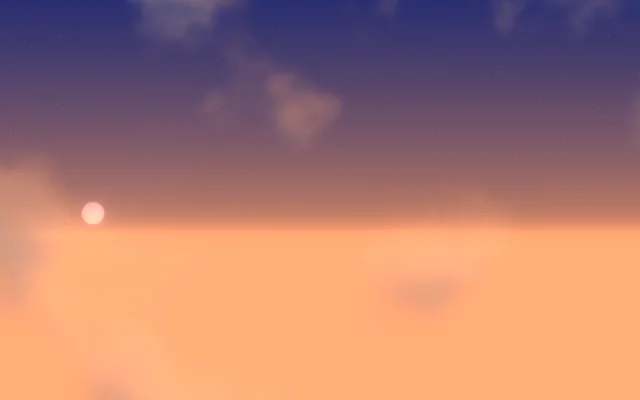
iDate.w). From the hour it weighs how near it is to night, dawn, day and dusk, and mixes each one's colours, so the light moves on a little every minute with nothing else to drive it. The stars, the sun and the moon are drawn in the sky's part. The sun rises at six and sets at six by this clock, not by the season: for a sky that follows the real sun where you are, use the Real sky layer instead. - Clouds is a Fog and clouds layer, drifting between the sky and the hills.
- Hills is the same shader drawn twice: its part setting is 0 for the sky and 1 for the hills. The ridges are noise along their length, with five layers of finer and finer detail, each ridge wider and lower than the one behind; the nearest two rise at the sides to frame the valley. Each ridge fades towards the sky's colour lower down, which reads as haze, and its top catches a thin line of the low sun at dawn and dusk. The woods are two-dimensional noise on the nearer slopes, the river is a wavy band that carries the sky's colour, and the village is a scatter of cells that light up as night comes.
- Mist is more fog, lying in the valley's folds.
- Fireflies are Motes, which come out after dark.
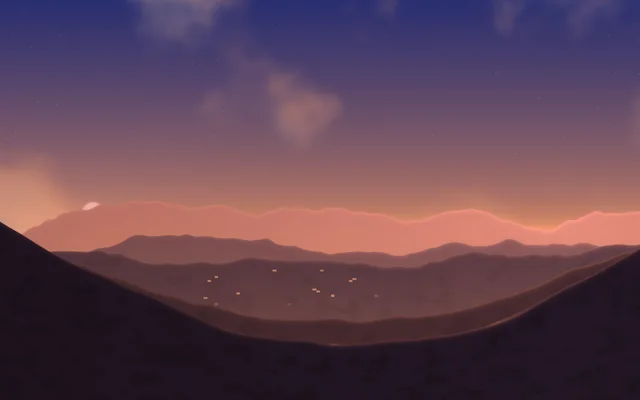
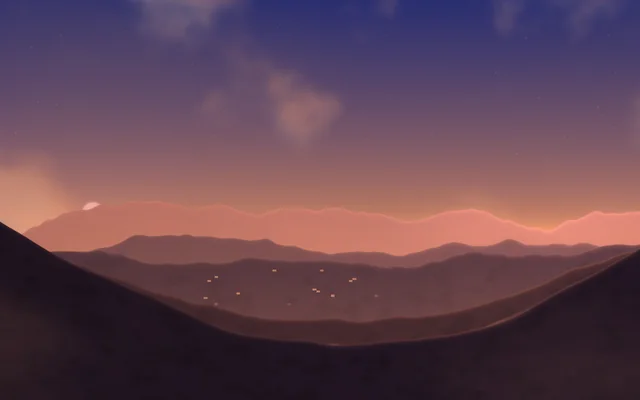
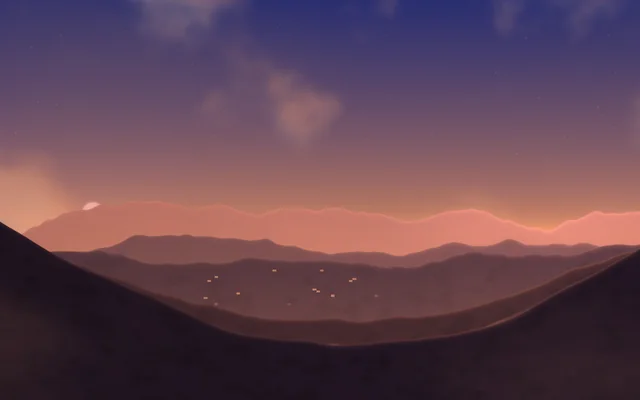
A TypeScript script reads scene.clock once a minute and moves the layers that don't know the time: the Fog and clouds layers take the light's colour, rose in the morning and amber in the evening, and the Motes come out as fireflies after dark. The Time of day setting can hold it at one hour, which the script hands to the shader.
Look in Studio
Open it from Studio's start page, under Start from one of Motion's.
- For the script, pick Scene at the top of the Outliner and click Open the editor on its Script card: it opens as the
script.tstab. It's short:hourNow()reads the setting or the clock,darkness()turns the hour into 0 by day and 1 at night, andfollowTheHour()animates the clouds, the mist and the fireflies towards it over twenty seconds, every minute (scene.every). - Pick Sky or Hills and click Open the editor in the inspector to see the shader's code. Its part setting is among the layer's settings.
Make it yours
- Change the palettes: the colours for night, dawn, day and dusk are the
vec3s at the start of the sky's part and of the hills' part of the Shader's code, each a sum of four colours. Sky and Hills each have a copy, so change both. - Make it a seaside: drop the nearest ridge to a flat line and widen the river into the sea.
- Add your own layers that follow the hour: in the script, scene.clock's
daylightis a ready-made 0 at night to 1 at midday for any setting.
Settings people can change
| Setting | What it does |
|---|---|
| Time of day | Follows the clock, or stays at dawn, morning, afternoon, dusk or night |
| Clouds | How much cloud drifts over the sky |
| Mist in the valley | How thick the mist lies in the folds |
| Fireflies after dark | Fireflies at night, or none |
| Bloom | How much the bright parts bloom over everything |