DocsExample scenesTime, sound and the world
Example scene · Time, sound and the world
Pulse
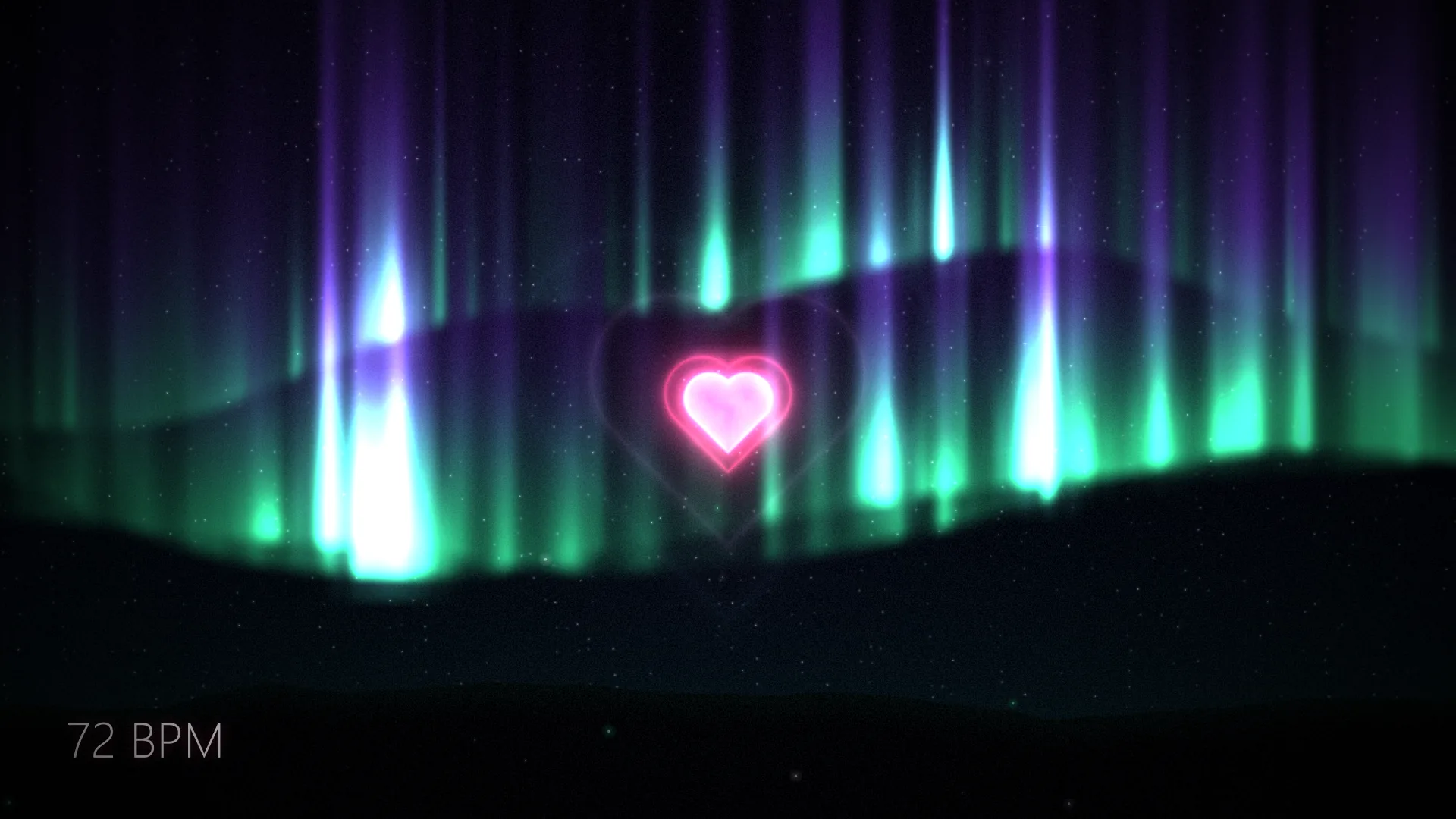
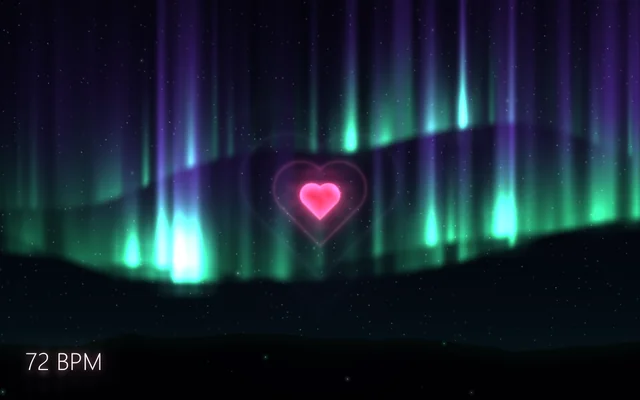
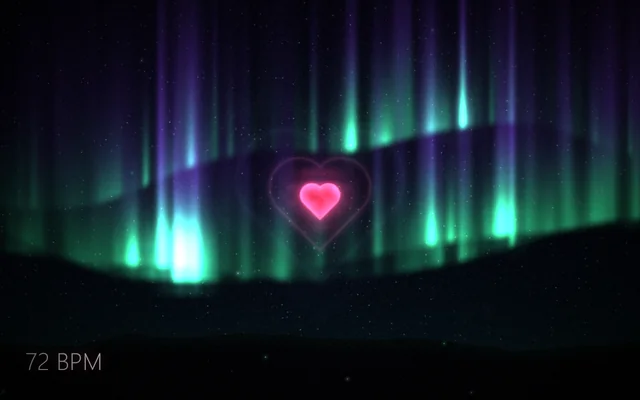
A glossy heart that beats with yours, in the middle of aurora curtains over mountains. Each beat swells the heart, brightens the sky and sends an echo of the heart outwards. Your heart rate sets the mood: calm and blue at rest, green and violet in between, a crimson storm when it races.
Main feature: Sensors and the watch: the heart rate from your watch. Also uses: Materials (the whole picture is one Shader layer built from nodes), Code (a short script keeps the beat).
What you'll learn
- How a sensor drives a scene: the scene listens to
heart_rate, shared aspulse, a text layer shows it, and a script reads the same sensor every frame. - How to keep a beat steady when the rate changes: the script moves the beat on at the rate it hears, so a change of rate never makes the heart skip.
- How a script hands values to a shader, here the beat and the rate to its Beat and Beats a minute settings.
How it's built
The layers, bottom to top: Heart, Dust, Heart rate, Finish.
- Heart is a Shader built from nodes, in comment boxes: the beat (seconds since it, and its lub-dub), the mood (calm, fast and storm, each a Smoothstep of the heart rate), the night and its stars, three aurora curtains, the mountains, and the heart with its echoes, glow and glossy body (Heart).
- Dust, Motes, goes over it, then Heart rate, a Text and clock layer that shows the reading in the corner as
{pulse} BPM. The scene listens toheart_rateon its Sensors tab, shared aspulse. - Finish, an Adjustment layer, goes on top.
- A short TypeScript script reads the same sensor every frame and moves the beat on at the rate it hears, and hands the beat and the rate to the shader's Beat and Beats a minute settings. Before a reading arrives it rests at 60 a minute.

Look in Studio
Open it from Studio's start page, under Start from one of Motion's. Pick the Heart layer and click Open the editor in the inspector: its graph opens as a tab named Heart, in the row under the toolbar. For the script that keeps the beat, pick Scene at the top of the Outliner and click Open the editor on its Script card: it opens as the script.ts tab.
Settings people can change
| Setting | What it does |
|---|---|
| Heart | The heart's colour |
| Aurora | The curtains' colour low down |
| Brightness | How bright the curtains are |
| Show the heart rate | The reading in the corner |
| Bloom | How far the bright parts spread |