Physics
Shapes that fall, stack and bounce.
- Kind
- Layer · Simulations
- Script name
physics- Cost to draw
- Heavy
- Reacts to
- sound and the pointer
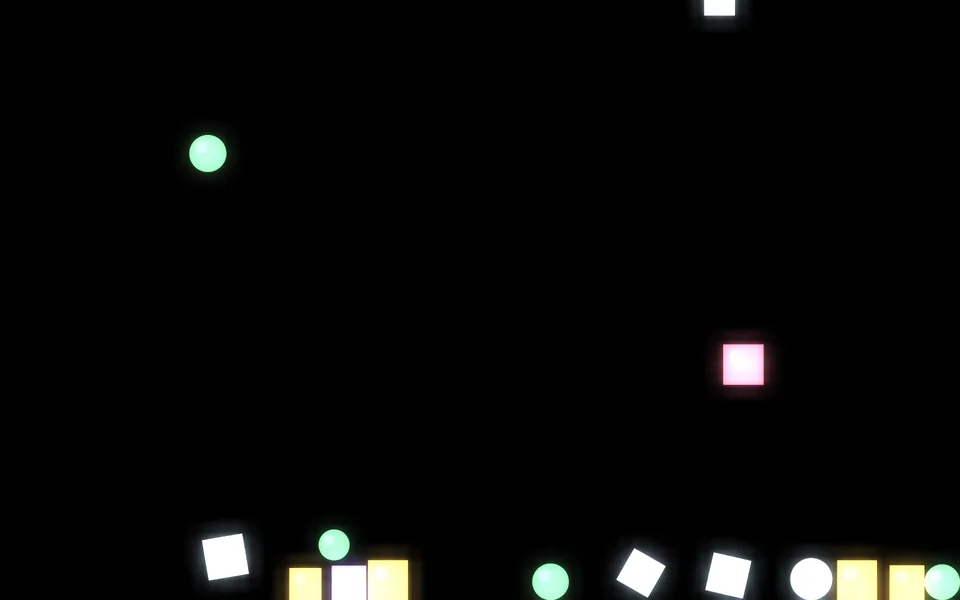
Shapes
| Setting | Kind | Starts at | Range and notes |
|---|---|---|---|
Shapesshapes | choice | Both | Circles, Boxes, Both, A picture |
Picturesource | image file | none | For the picture shapes |
At mostcount | whole number | 90 | 1 to 300 |
Sizesize | number | 3.5% | 1% to 15% |
Sizes varyvariety | number | 50% | 0% to 100% |
Colourscolours | palette | ["#7ce695ff", "#caecffff", "#ffc861ff", "#ff7a90ff", "#a98bf | – |
World
| Setting | Kind | Starts at | Range and notes |
|---|---|---|---|
Gravitygravity | number | 1× | -2 to 2× |
Bouncebounce | number | 35% | 0% to 100% |
Frictionfriction | number | 30% | 0% to 100% |
Arrivespawn | choice | Like rain | Like rain, In bursts, On the beat, All at once |
A secondrate | number | 4 | 0.2 to 30 |
Wallswalls | on or off | on | – |
The pointer throws themthrow | on or off | on | – |
Startseed | seed | 1 | – |
From a script
Every setting above can be changed by the scene's logic, by its key. Say the layer is called Physics:
scene.set("Physics", "size", 0.15);scene.animate("Physics", "opacity", 0.5, 2);import { scene } from "motion";scene.set("Physics", "size", 0.15);scene.animate("Physics", "opacity", 0.5, 2);◆On Scene Start
ƒSet Layer SettingTarget is Layer
TargetPhysics
Parameter Namesize
Parameter Value0.15
What every layer has
Besides its own settings, every layer has its opacity, blend, placement, quick effects and an effects stack. They're listed once, on the layers page.
Notes from the community
Written by creators and checked by the docs' editors. Not part of Motion's official reference.