Puppet warp
Pins or bones that bend a picture as they move.
- Kind
- Layer · Backgrounds
- Script name
warp- Cost to draw
- Heavy
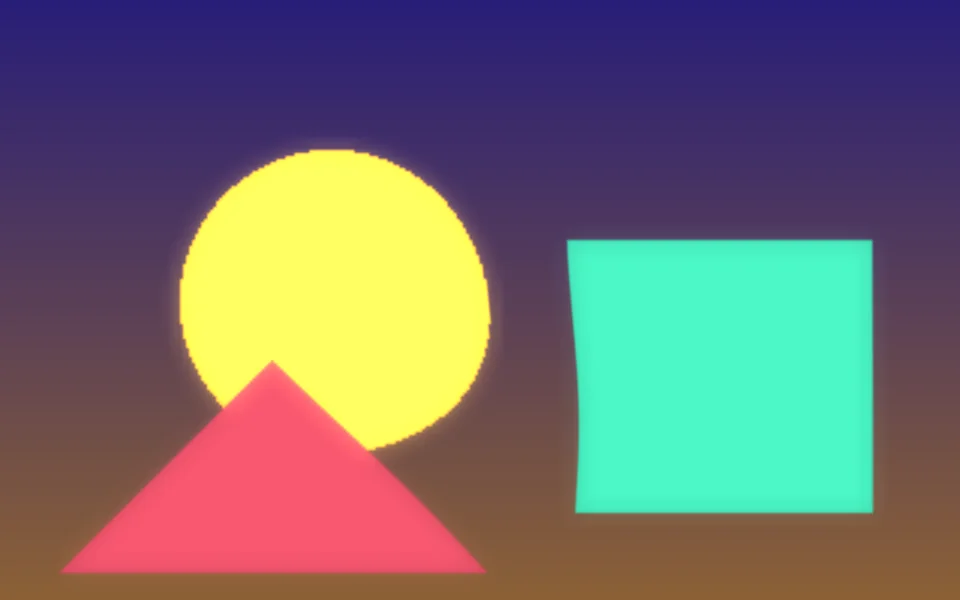
Picture
| Setting | Kind | Starts at | Range and notes |
|---|---|---|---|
Picturesource | image file | none | – |
Fitfit | choice | Fill | Fill, Whole |
Mesh detailmesh | whole number | 40 | 8 to 96More bends more smoothly |
Pins
| Setting | Kind | Starts at | Range and notes |
|---|---|---|---|
Pinspins | whole number | 3 | 1 to 6 |
Pin 1pin1 | point | [0.3, 0.3] | 0 to 1 |
Pin 2pin2 | point | [0.7, 0.35] | 0 to 1 |
Pin 3pin3 | point | [0.5, 0.7] | 0 to 1 |
Pin 4pin4 | point | [0.2, 0.8] | 0 to 1 |
Pin 5pin5 | point | [0.8, 0.8] | 0 to 1 |
Pin 6pin6 | point | [0.5, 0.2] | 0 to 1 |
Pinsmotion | choice | Sway | Sway, Wind, Breathe, Ripple |
How faramount | number | 35% | 0% to 100% |
Speedspeed | number | 0.6× | 0 to 3× |
Directionangle | number | 0° | 0 to 360° |
Reachreach | number | 35% | 5% to 100%How much of the picture each pin bends |
From a script
Every setting above can be changed by the scene's logic, by its key. Say the layer is called Puppet warp:
scene.set("Puppet warp", "amount", 1);scene.animate("Puppet warp", "opacity", 0.5, 2);import { scene } from "motion";scene.set("Puppet warp", "amount", 1);scene.animate("Puppet warp", "opacity", 0.5, 2);◆On Scene Start
ƒSet Layer SettingTarget is Layer
TargetPuppet warp
Parameter Nameamount
Parameter Value1
What every layer has
Besides its own settings, every layer has its opacity, blend, placement, quick effects and an effects stack. They're listed once, on the layers page.
Notes from the community
Written by creators and checked by the docs' editors. Not part of Motion's official reference.